85
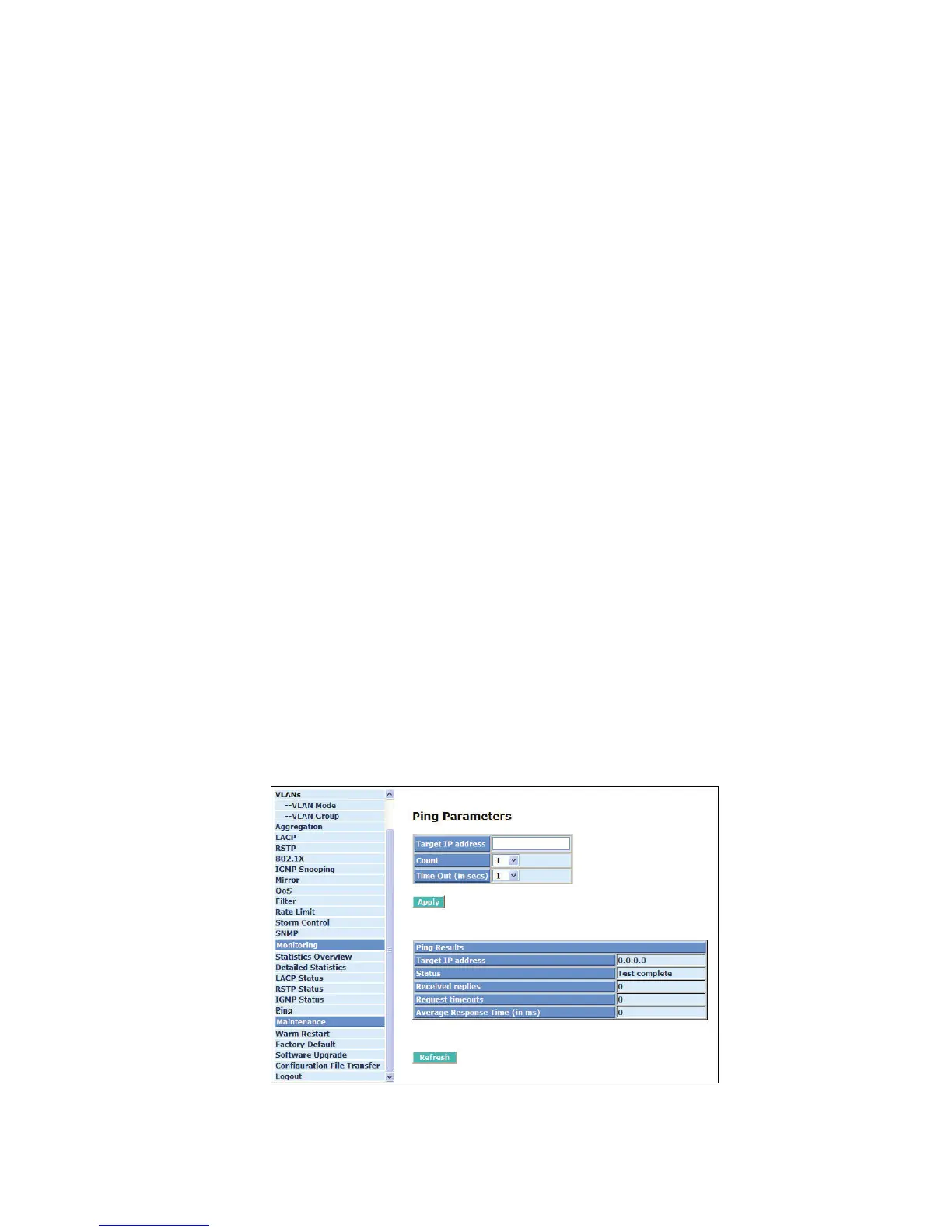
To set up target IP address for ping function and display ping status. In Fig. 4-30, the window shows
the ping information.
Parameter description:
Ping Parameters:
Target IP address:
Set up a Target IP address to ping.
Count:
Use drop-down menu to set
number of echo requests to send. Four type of number can
choose, there are 1, 5, 10 and 20.
Default: 1
Time Out (in secs):
Use drop-down menu to set number of echo requests time out in second. Four type numbers
can choose, there are 1,5,10 and 20.
Default: 1
NOTE:
All the functions should press <Apply> button to start up after you set up the
parameters.
Ping Results:
Target IP address:
Show the active target IP address.
Status:
Show the result of the ping status.
Received replies:
Show the received replies number of times.
Request timeouts:
Show the timeout of request.
Average Response times (In ms):
Show the average response time in milliseconds.
Fig. 4-33 Ping



 To Next Page