EXS
42 User Manual 10H52260UM60 - Rev. 1 - 10/2017
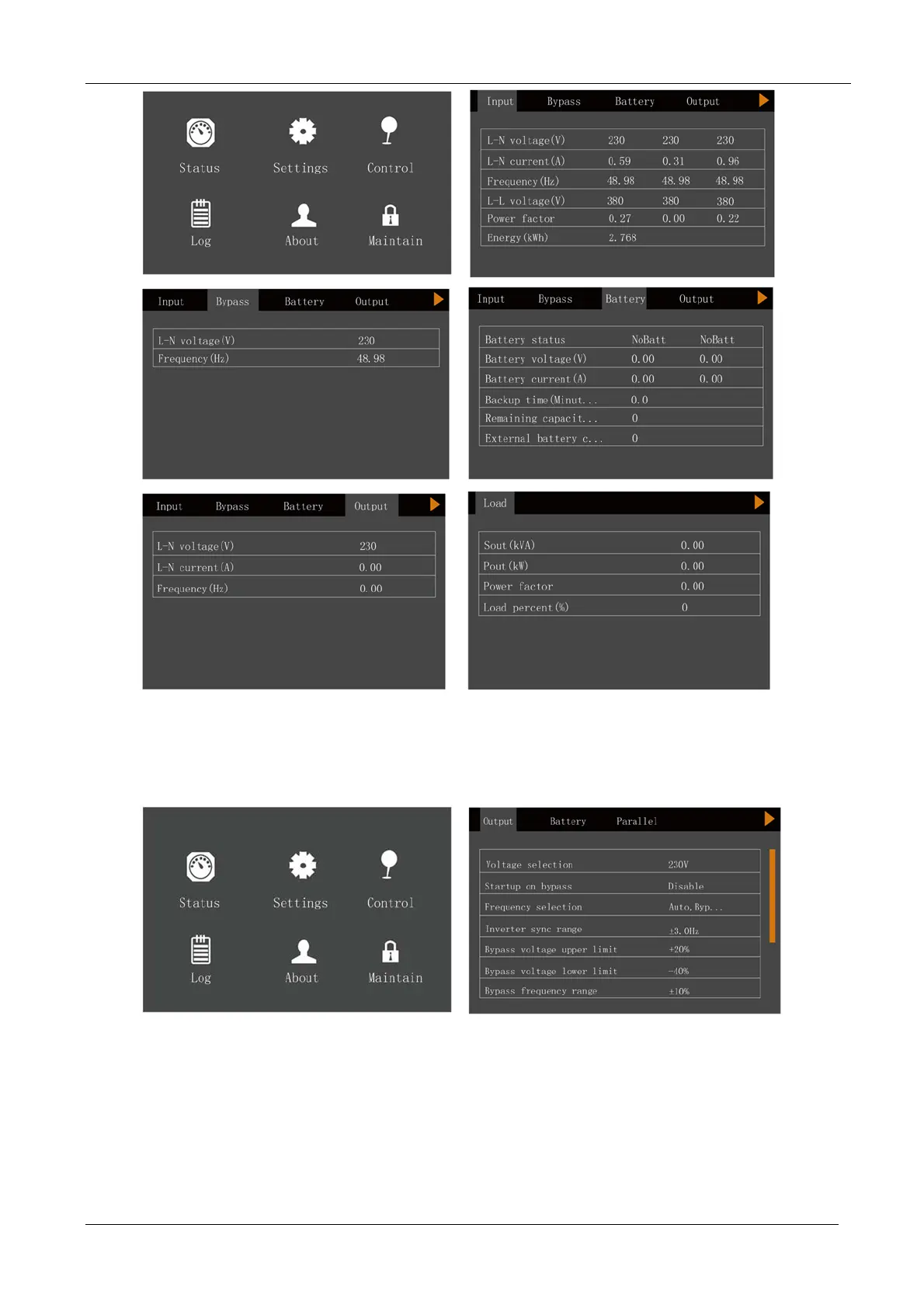
Settings page
The Set
tings page can be used to access the Output, Battery, Parallel, Monitor, System, and Outlet settings. For
details about the setting up the parameters, refer to Appendix 1 .
See below:










 To Next Page