EXS
94 User Manual 10H52260UM60 - Rev. 1 - 10/2017
For a detailed description of the IS-UNITY-DP card, refer to Liebert IntelliSlot Unity Card User Manual–Web, SNMP,
Modbus, BACnet, YDN23, which is available as an accessory.
IS-UNITY-LIFE Card
Important
We recommend using shielded cables in order to increase EMC.
The appearance of the IS-UNITY-LIFE card is
shown in Figure 8-14.
Figure 8-14 Appearance of IS-UNITY-LIFE card
For a detailed description of the IS-UNITY-LIFE card, refer to Liebert IntelliSlot
TM
Unity Card User Manual-Web,
SNMP, Modbus, BACnet, YDN23, which is available as an accessory.
3-in 1-out Copper Bar Kit
This kit may be used to convert the system to the 3-in 1-out configuration. This kit contains three copper shorting
bars that are used to connect the rectifier input (common input configuration), bypass input (split-bypass
configuration), and output terminals together.
Note
The UPS is set to 3-in 3-out mode by default. If you need to convert it to 3-in 1-out mode, contact VERTIV authorized
personnel for the corresponding settings.
Always observe the following procedures:
Power distribution mode
1. 3-in 1-out, common input configuration
a)
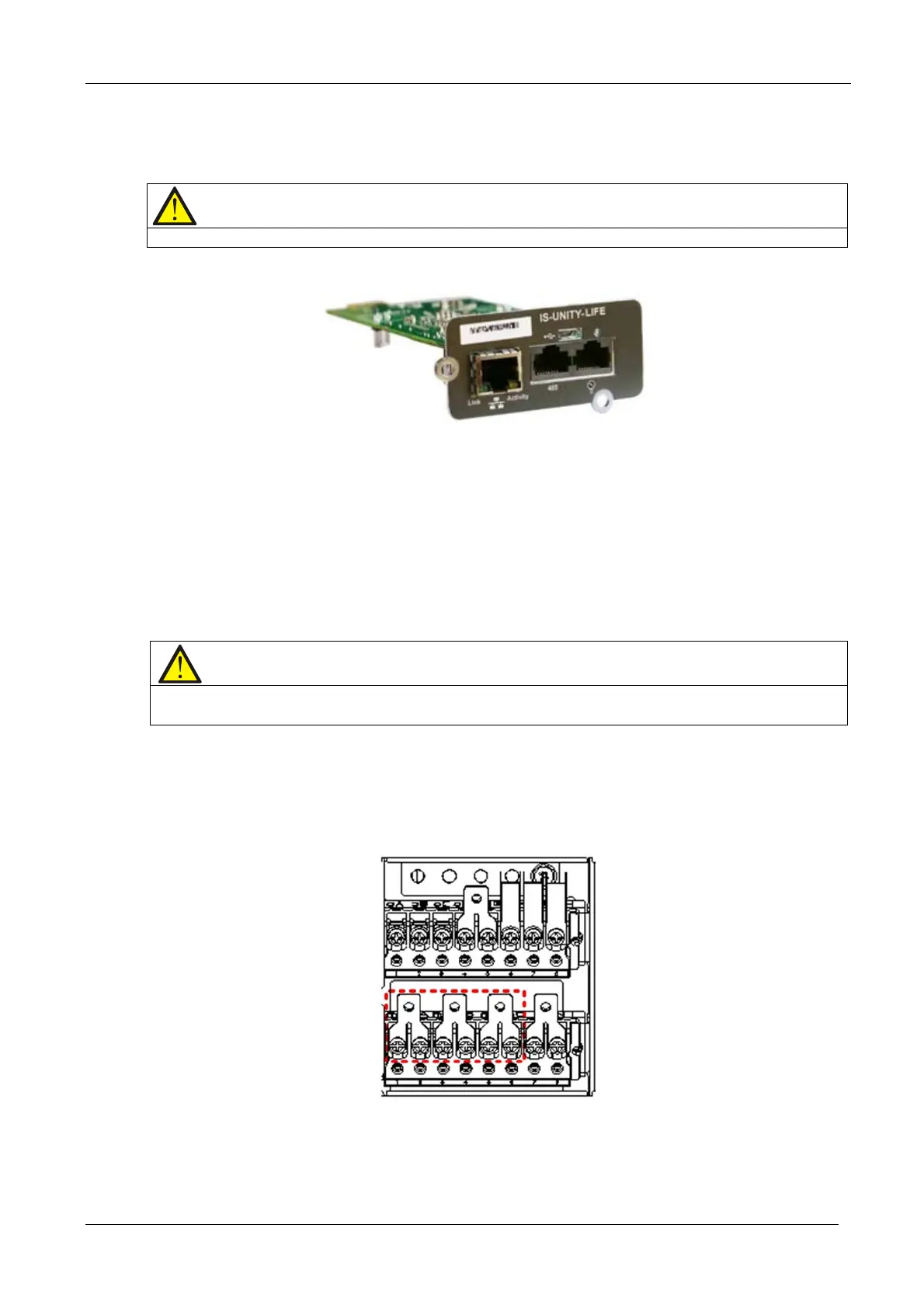
Remove the three copper shorting bars from the rectifier input terminals mA, mB and mC, see Figure 8-15.
Figure 8-15 3-in 1-out, common input configuration (1)
b) Install the copper shorting bars on the input terminals (mA, bA, bB, bC), and use the output shorting copper bars
to connect the output terminals (oA, oB, oC) together. See Figure 8-16.
8.2.5
8.2.6










 To Next Page