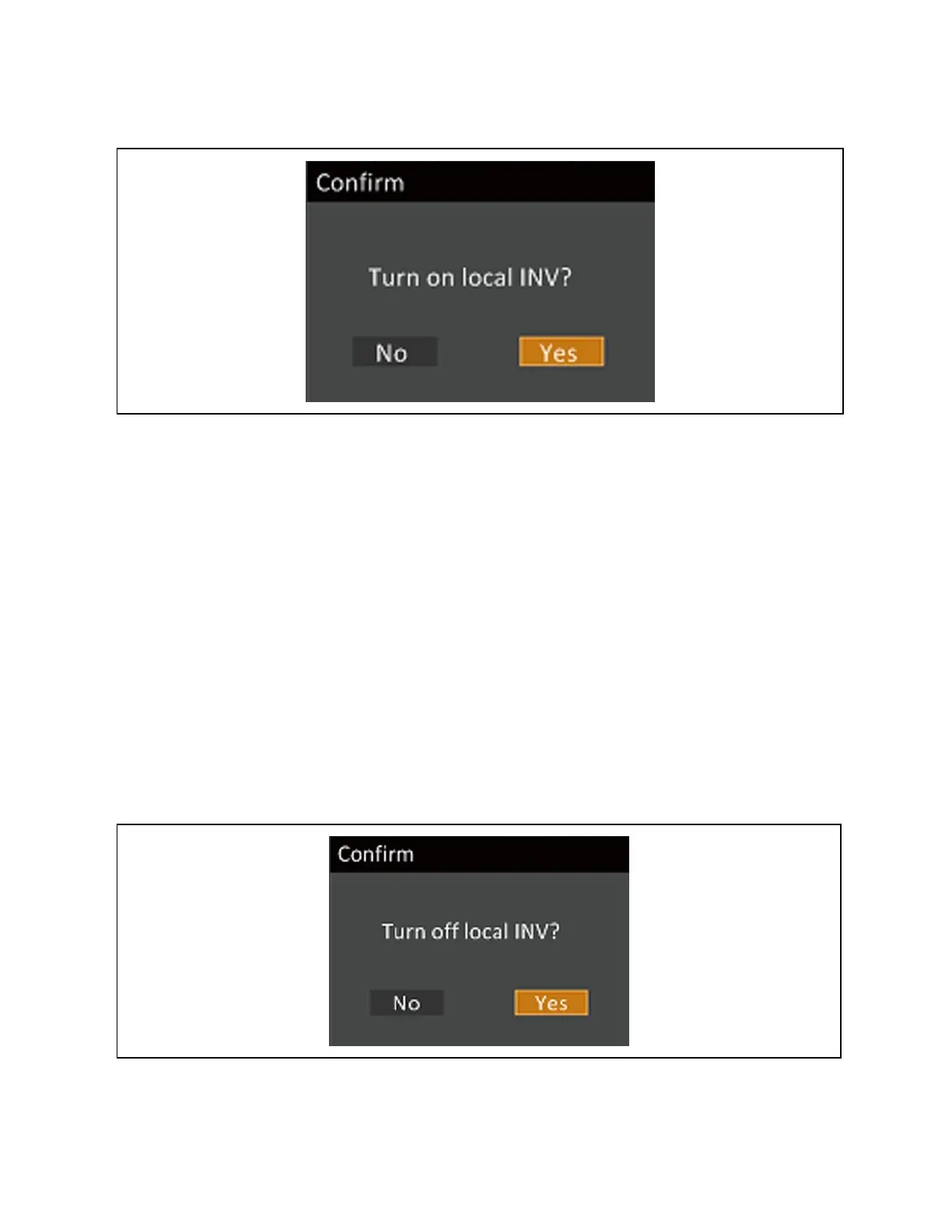
Figure 5.1 Turn On Local INV
5.3 Transferring from Normal (Inverter) to Bypass Mode
NOTE: When the UPS is in bypass mode, the load is not protected. It is powered directly by utility power.
To transfer to the internal bypass/turn off when the UPS is in normal mode:
1. Press and hold the Power button for 2 seconds.
• If the bypass power is within normal operating range, the option to turn off the local inverter displays. See Figure
5.2 below. Confirming this selection initiates a transfer to internal bypass operation.
a. Use the up/down arrows to select no or yes, or press the ESC to cancel.
b. Press Enter to confirm the action.
c. Press Enter again.
• If the bypass power is outside normal operating range, the option to shutdown output displays. See Figure 5.3 on
the facing page.
a. Use the up/down arrows to select no or yes, or press the ESC to cancel.
b. Press Enter to confirm the action.
Figure 5.2 Turn Off INV—Bypass Power in Normal Range
42 Proprietary and Confidential ©2023 Vertiv Group Corp. 5 Operating the UPS
Vertiv™ Liebert® EXS Installer/User Guide











 To Next Page