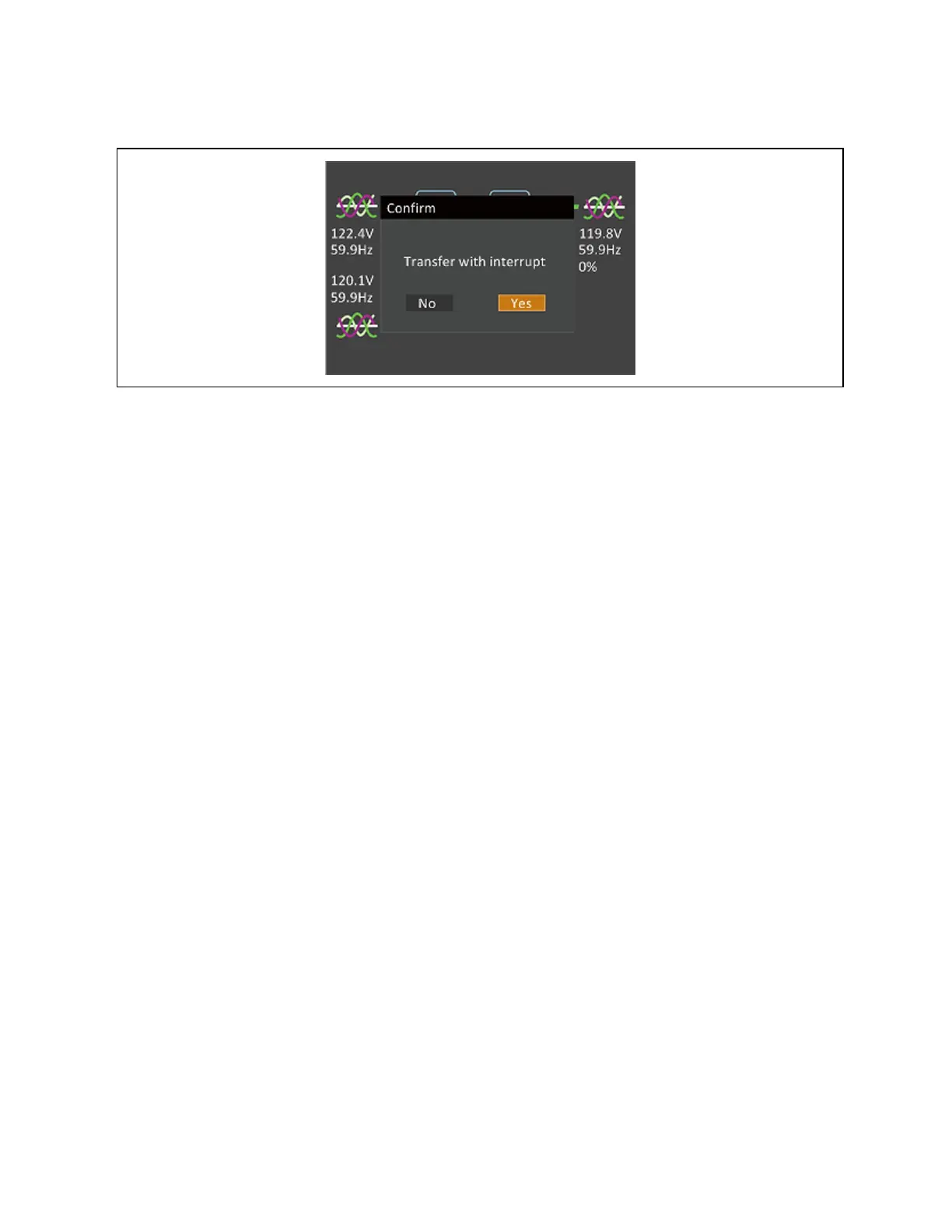
Figure 5.5 Transfer with Interrupt
5.5 Transferring to Maintenance Bypass Mode
The transfer procedure puts the UPS in maintenance bypass mode for safe servicing by a Vertiv service technician.
To transfer from normal operation to maintenance bypass mode:
1. Press and hold the Power button for 2 seconds.
• If the bypass power is within normal operating range, the option to go to bypass displays.
a. Select Turn off local INV.
b. Press Enter to confirm the action.
c. Press Enter again.
• If the bypass power is outside normal operating range, the only option is to turn off the UPS.
2. Open the front door of the unit to gain access to the MBB.
3. Loosen the thumb screw on the mechanical interlock on the MBB.
4. Slide the interlock to the left and tighten the thumb screw to secure the interlock in place.
5. Close the MBB.
6. Press and hold the Power button for 2 seconds.
7. Electrically isolate the UPS module from AC power Input by opening the RIB, BIB, and MIB. If external battery
cabinets are installed, open the EBC breakers.
5.6 Transferring from Maintenance Bypass to Normal Mode
To transfer from maintenance bypass to normal operations:
1. Ensure that the mechanical interlock is still secured in the unlocked position.
2. If external battery cabinets are installed, close the EBC breaker.
3. On the front of the UPS, close RIB, BIB, and MIB.
NOTE: The UPS performs startup checks and begins operating in internal bypass mode.
44 Proprietary and Confidential ©2023 Vertiv Group Corp. 5 Operating the UPS
Vertiv™ Liebert® EXS Installer/User Guide











 To Next Page