4.4 Editing Display and Operation Settings
You may adjust the display settings and UPS configuration via the LCD. Table 4.5 below, describes the settings. The display
and operation settings are password projected. The default password is 111111 (six ones).
NOTE: We recommend that you change the password to protect your system and equipment and record the new
password and store it in an accessible location for later retrieval. See Changing the password on the facing page.
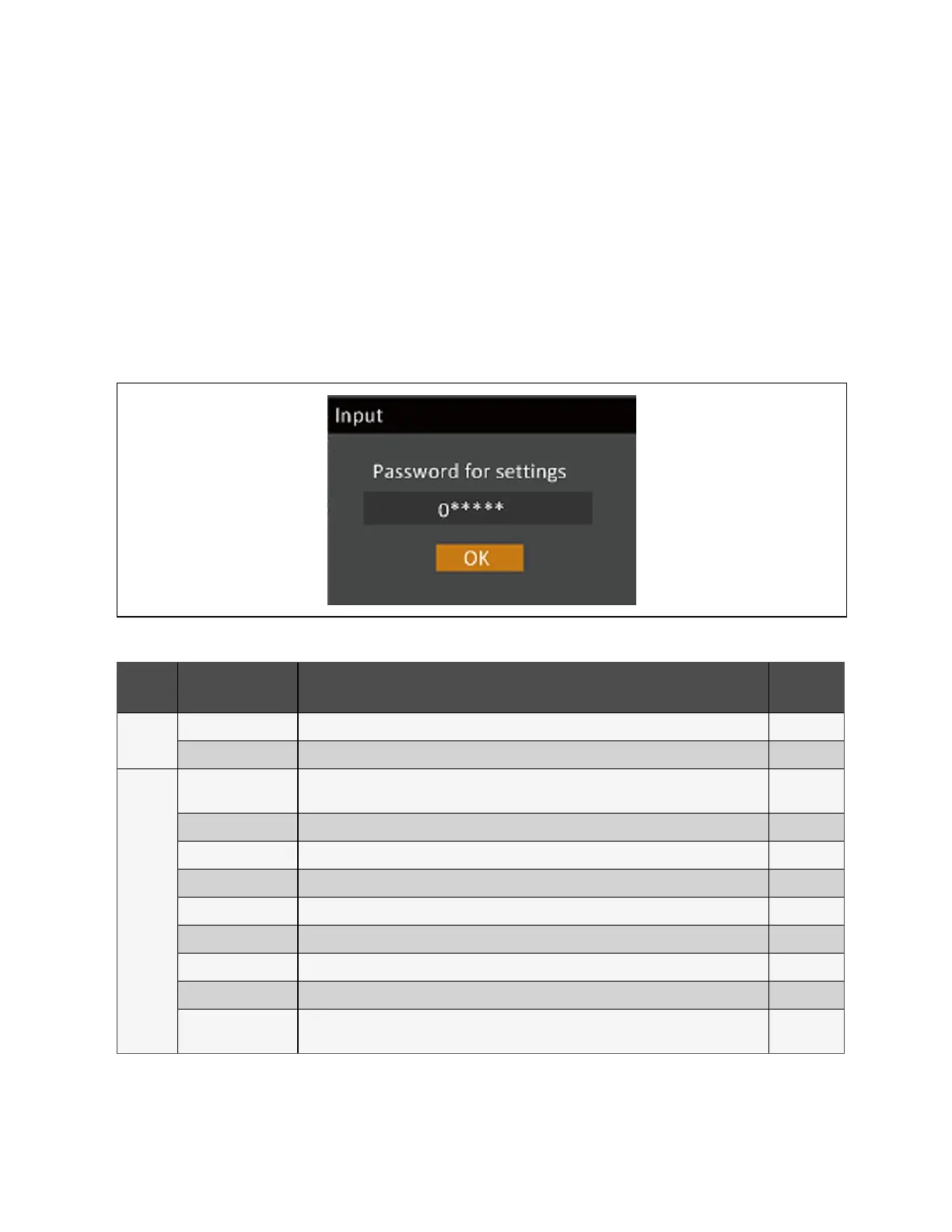
To enter the password:
1. Press the up arrow button to change the digit, then press the down arrow button to move to the next digit.
2. Repeat to select each digit, and press Enter to submit the password.
Figure 4.11 Password Prompt
Tab Settings Parameter Range
Default
Setting
System
Battery Auto Equalize Disable, Enable Disable
ECO Mode Disable, Enable Disable
Monitor
Language
English, French, Portuguese, Spanish, Chinese, Czech, Dutch, German, Italian, Polish, Russian,
Swedish, and Turkish
English
Date YY/MM/DD, MM/DD/YY, DD/MM/YY Y-M-D
Time HH:MM:SS 00:00:00
Audible Alarm Disable, Enable Enable
Serial 1 baudrate 1200 bps, 2400 bps, 4800 bps, 9600 bps, 19200 bps 9600 bps
Serial 2 baudrate 1200 bps, 2400 bps, 4800 bps, 9600 bps, 19200 bps 9600 bps
UPS Comm Address 01 01
Card Slot Protocol YDN23, Velocity Velocity
Change Settings
Password
0–9, must be six digits in length 111111
Table 4.5 Settings Available at the Display Panel
38 Proprietary and Confidential ©2023 Vertiv Group Corp. 4 Operation and Display Panel
Vertiv™ Liebert® EXS Installer/User Guide











 To Next Page