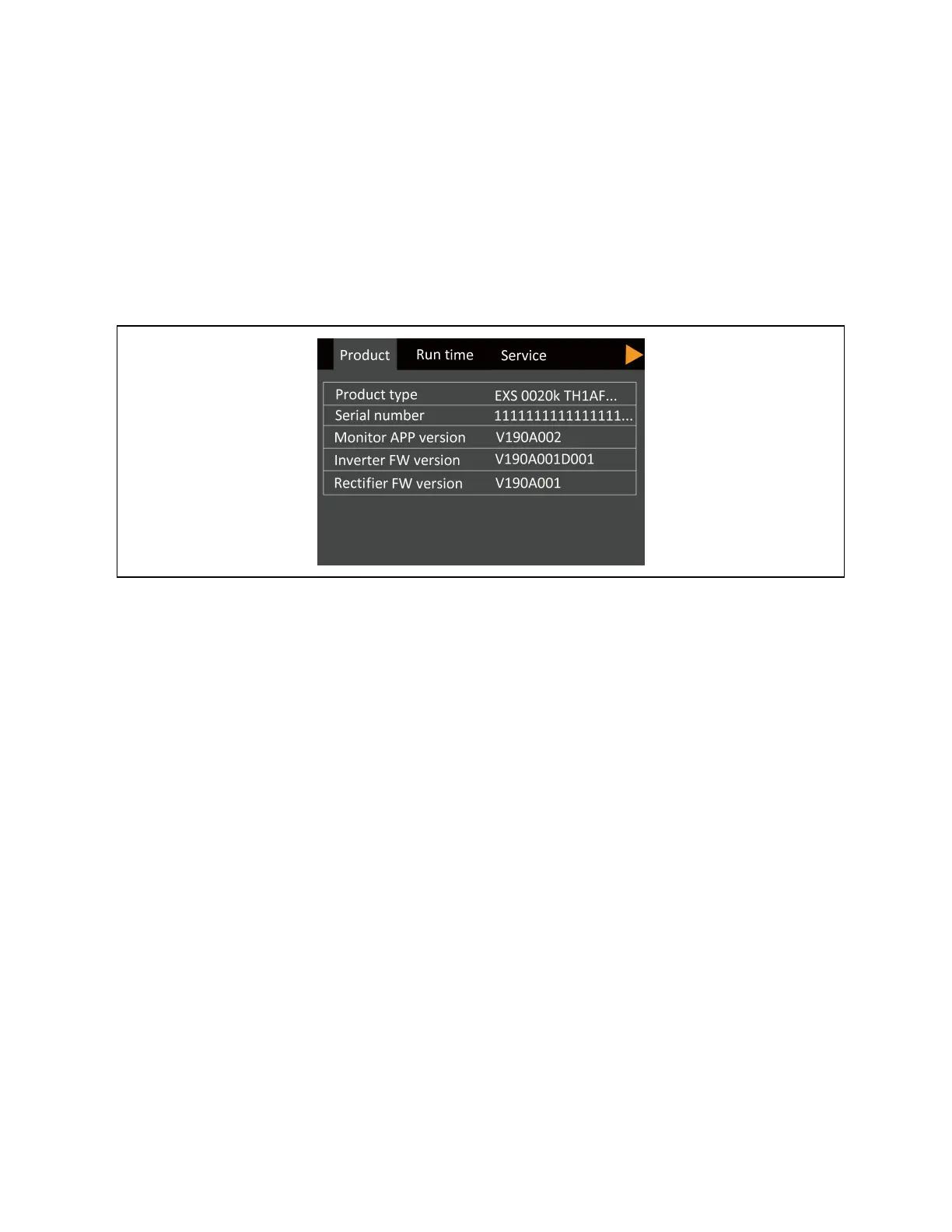
About page
The about screen offers tabs that list information about the product and the network.
To view the product and network information:
1. At the main menu, select the settings icon, and press Enter.
2. Use the arrow buttons to move the cursor left/right and select a tab, then press Enter to display the information
for the selected tab.
Figure 4.10 About Screen Tabs
4 Operation and Display Panel Proprietary and Confidential ©2023 Vertiv Group Corp. 37
Vertiv™ Liebert® EXS Installer/User Guide











 To Next Page