Control screen
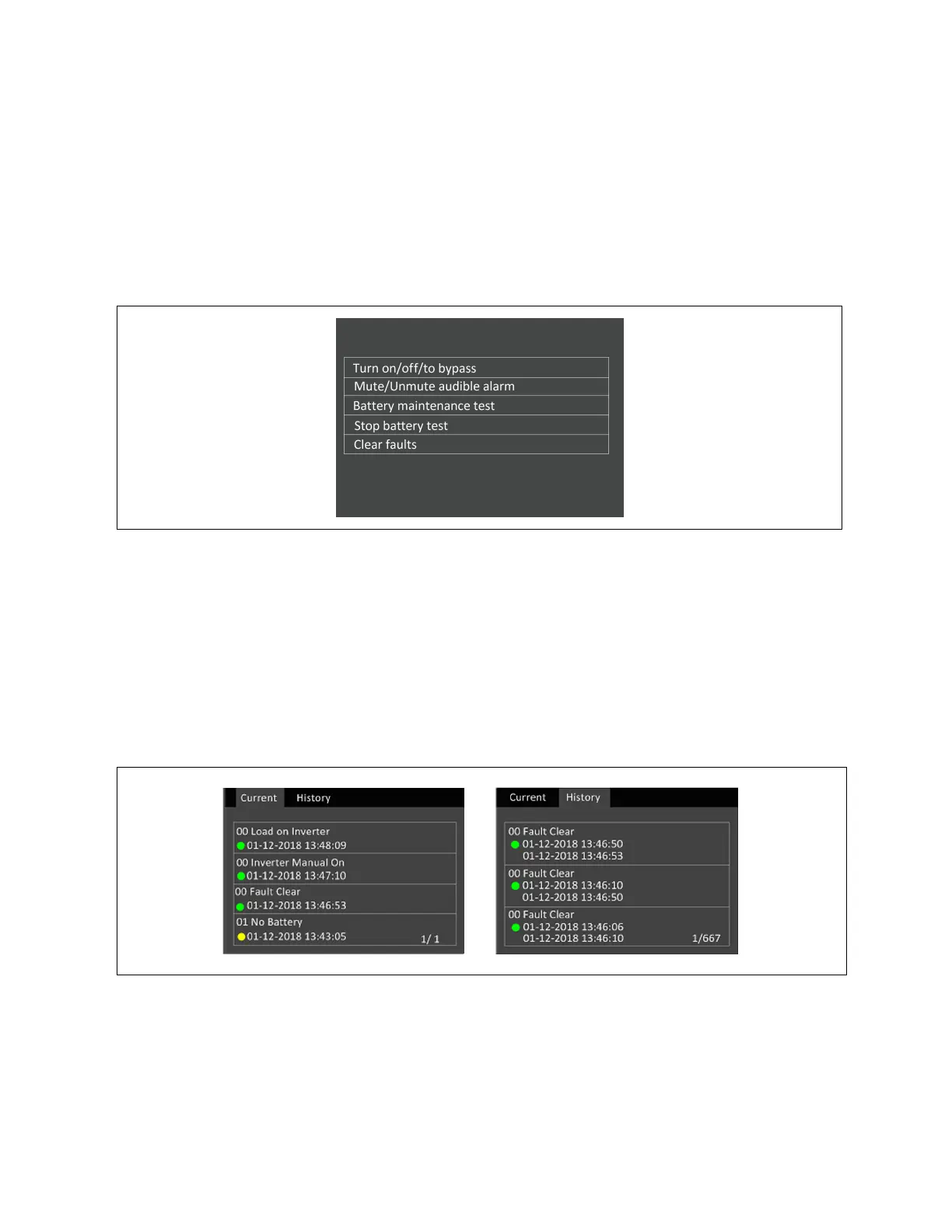
The control screen offers UPS control options.
To adjust the UPS controls:
1. At the main menu, select the Control icon, and press Enter.
2. Use the arrow buttons to move the cursor to the option, then press Enter to select the control.
Figure 4.8 Control Screen
Log screen
The log screen offers tabs that list the current alarms and the alarm/event history.
To view the logs:
1. At the main menu, select the log icon, and press Enter.
2. Use the arrow buttons to move the cursor left/right and select a tab, then press Enter to display the log for the
selected tab.
Figure 4.9 Current and History Log Tabs
36 Proprietary and Confidential ©2023 Vertiv Group Corp. 4 Operation and Display Panel
Vertiv™ Liebert® EXS Installer/User Guide











 To Next Page