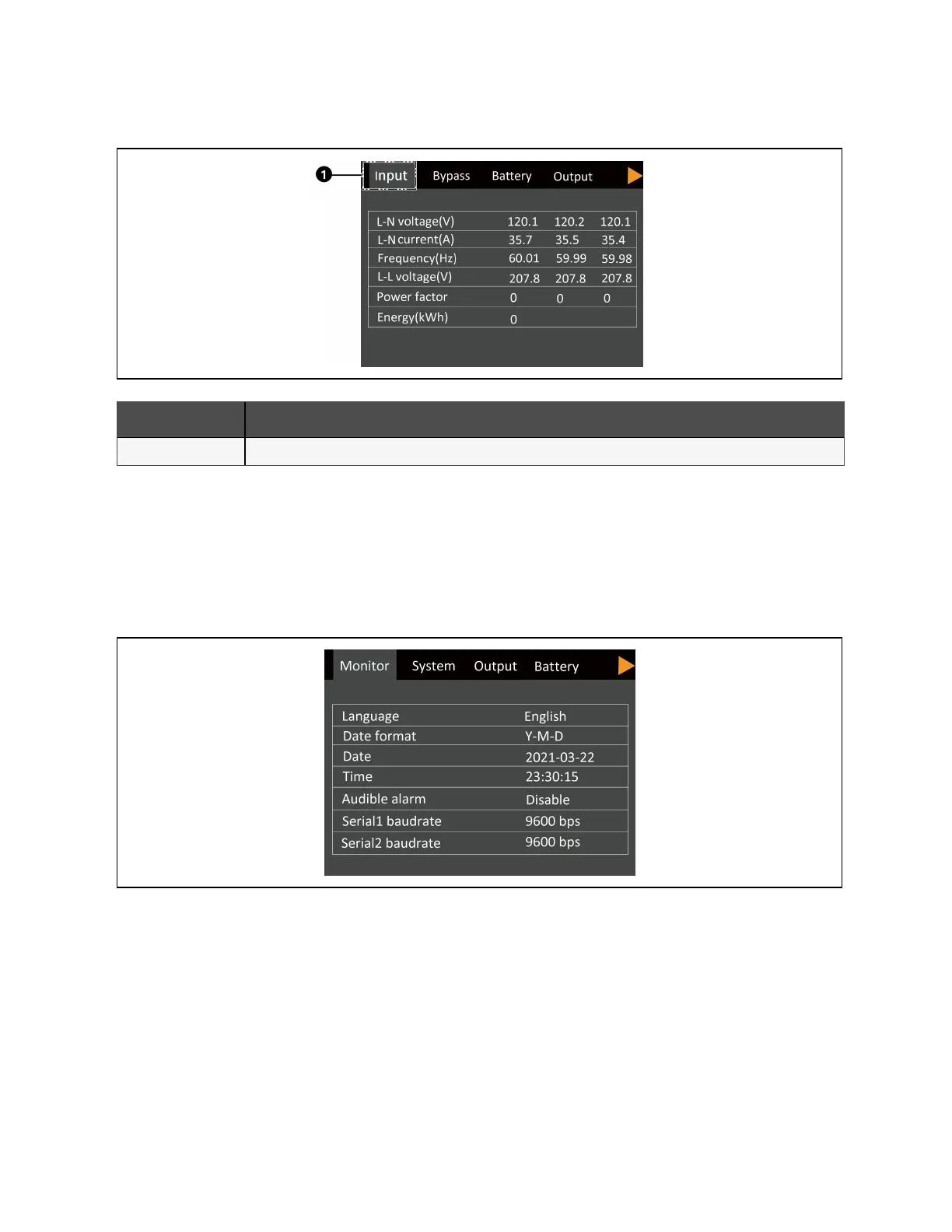
Figure 4.6 Status Screen Tabs
Item Description
1 Screen tabs with Input tab selected.
Settings submenu
The settings screen consists of tabs that list UPS settings described in Table 4.5 on page38.
NOTE: To adjust the settings, you must enter a password. See Editing Display and Operation Settings on page38, for
details on entering the password and editing the setting parameters.
Figure 4.7 Monitor and System Tabs on the Settings Submenu
4 Operation and Display Panel Proprietary and Confidential ©2023 Vertiv Group Corp. 35
Vertiv™ Liebert® EXS Installer/User Guide











 To Next Page