NetSure
™
Control Unit (NCU)
User Manual, UM1M830BNA
Spec. No: 1M830BNA, 1M830DNA Code: UM1M830BNA
Model No: M830B, M830D Revision M, May 12, 2017
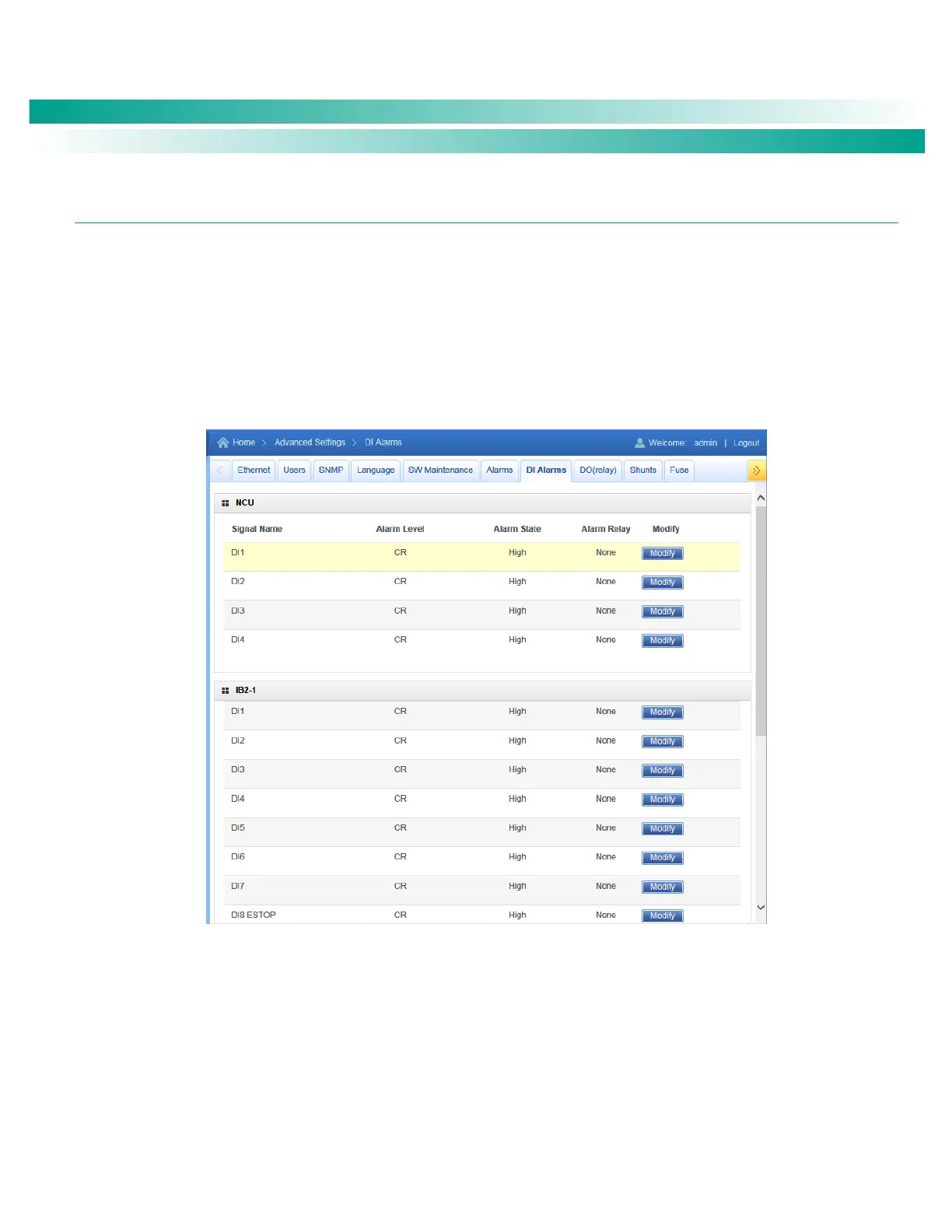
DI Alarms Tab
Allows you to change the digital input alarm signal full name (name displayed in the Web Interface menus).
Allows you to change the digital input alarm signal abbreviation name (name displayed in the local display menus).
Allows you to define the alarm level for each digital input alarm. (See also Table 1 on page 2.)
Allows you to map the digital input alarms to the alarm relays.
Allows you to set the alarm state for the digital inputs (high or low).
Figure 91. DI Alarm Tab










 To Next Page