AHD DVR User Manual
16
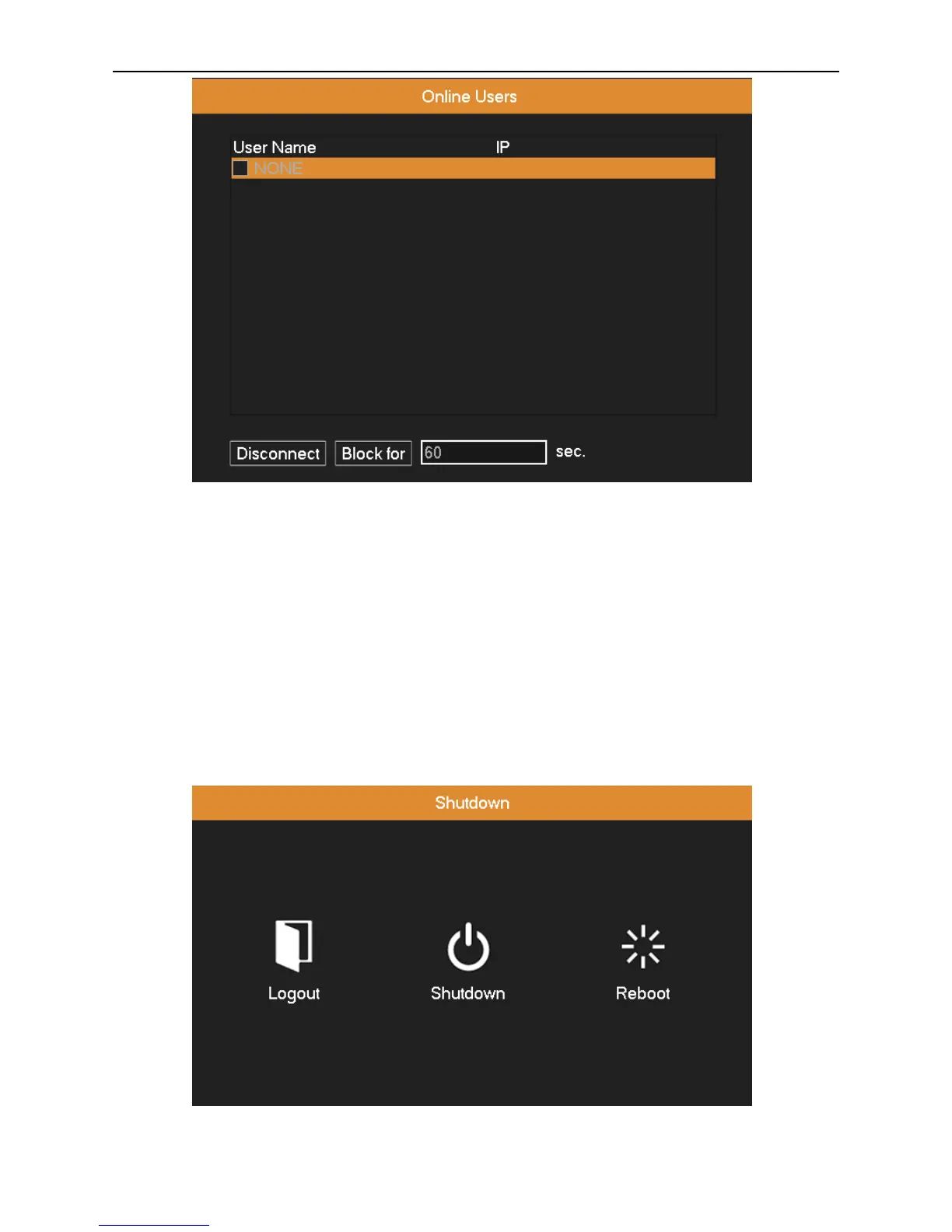
Picture 3.15 Online User.
3.3.7 Close System
Logout, shutdown the system or reboot up.
Logout: Quit the menu. Offer the password for next entrance.
Shutdown: Quit the system. Turn off the power supply.
When press the shut down button, there is a schedule hint. After three seconds, the system is shut down. Midway cancel is
of no effect.
Reboot: Quit the system. Reboot up the system.
Picture 3.16 shutdown



 To Next Page