AHD DVR User Manual
37
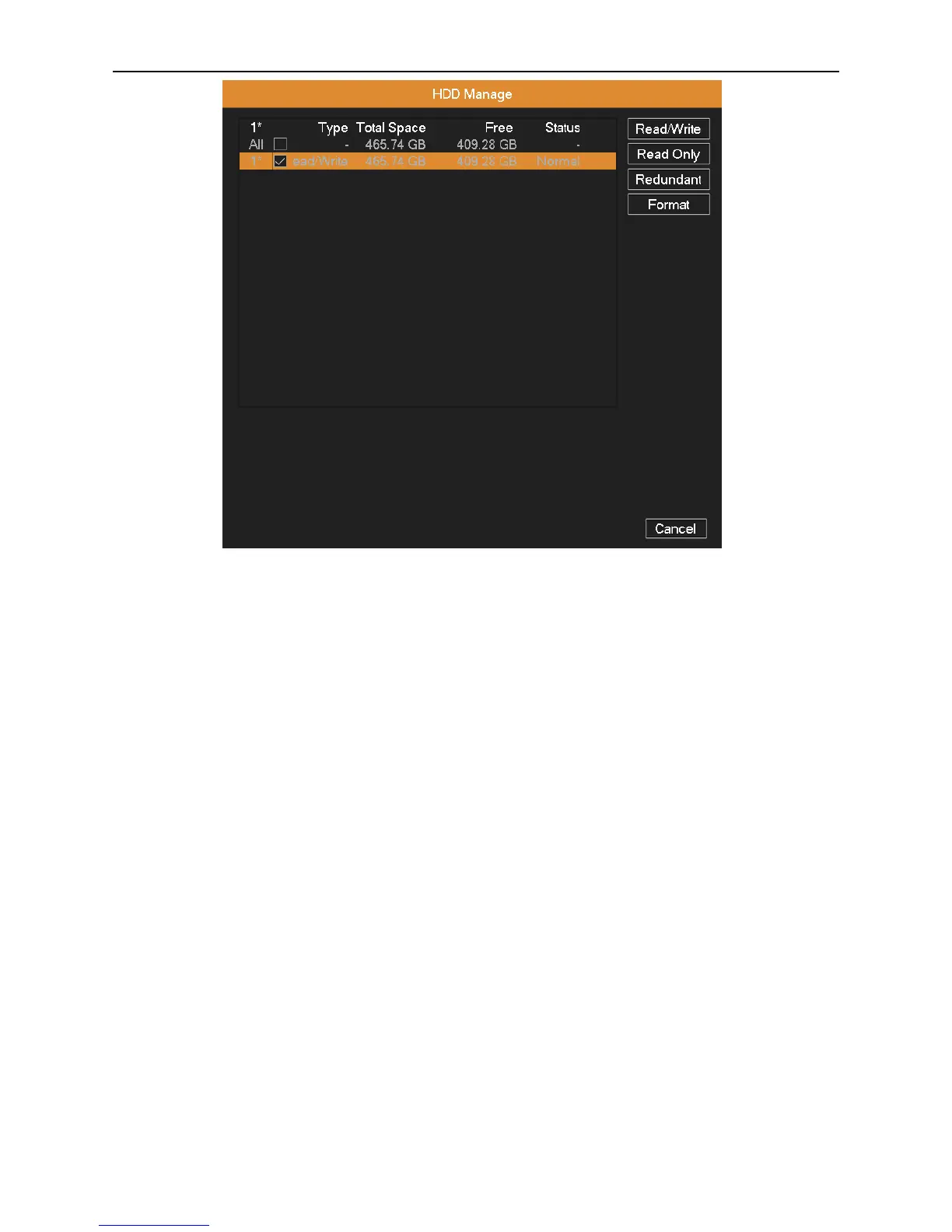
Picture 4.30 HDD Management
4.6.2 PTZ Config
Channel: Choose the dome camera’s input channel.
Protocol: Choose the corresponding dome protocol (take PELCOD as an example).
Address: Set as the corresponding dome address. Default: 1.
Baud rate: Choose the corresponding dome baud rate. Default: 9600.
Date Bit: Include 4 options. Default: 8.
Stop Bit: Include 2 options. Default: 1.
Parity: Include odd check, even check, mark check, space check. Default: None.
Note: The parameters of protocol, address, baud rate should be consistent with relative PTZ or dome for the user
to control PTZ and dome.



 To Next Page