AHD DVR User Manual
33
4.4.4 Alarm Output
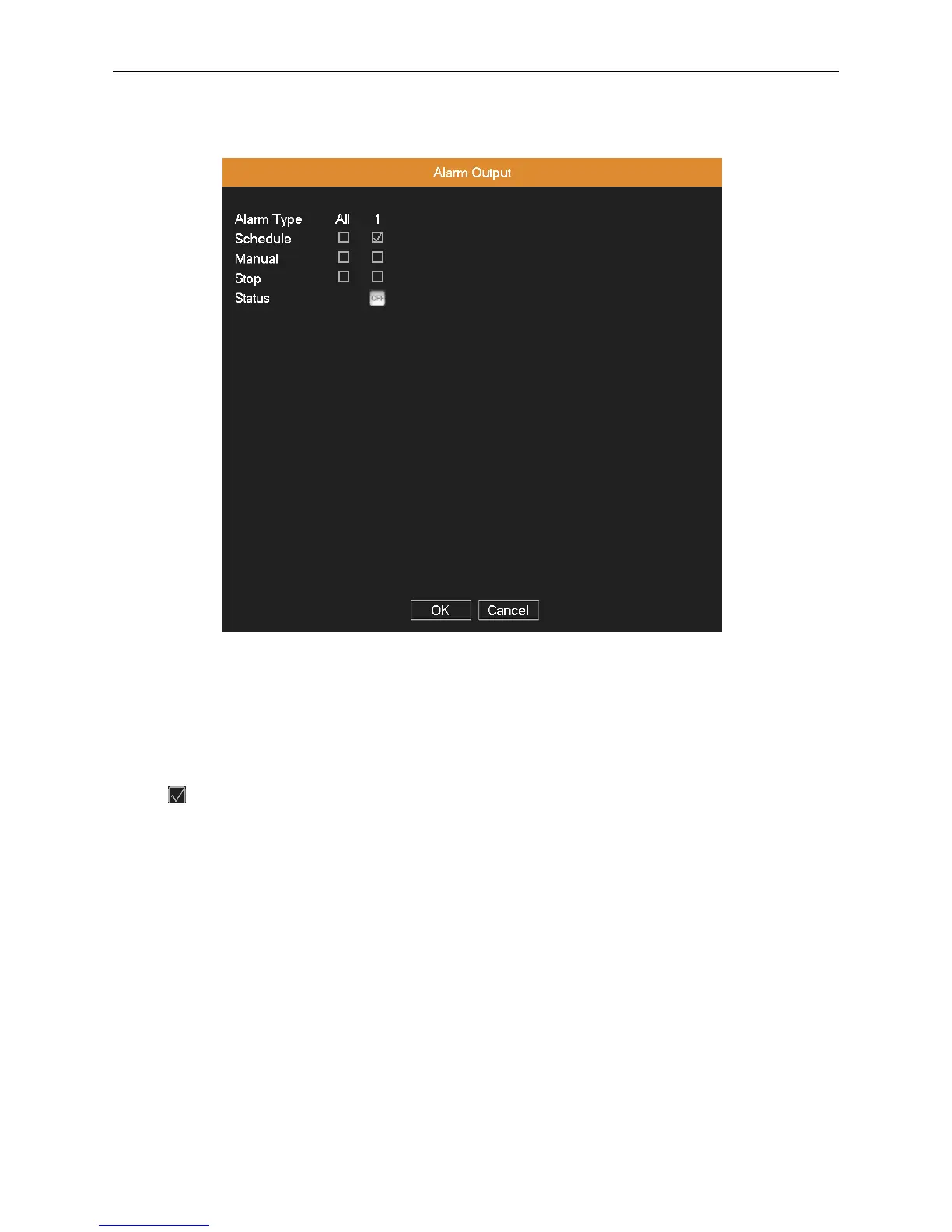
Control the alarm output state of all channels.
Picture 4.25 alarm output
Schedule: Alarm is turned on according to the schedule configuration.
Manual: The relative channel outputs alarm signal no matter the channel in any state.
Stop: The relative channel stops alarming no matter the channel in any state.
Status: means this channel has alarm output, otherwise without alarm output.
4.4.5 Abnormality
It will trigger the relevant alarm according to the process setting once some abnormalities (no disk, no disk space, net
disconnection, IP conflict, disk error) happen, which is convenient for customers to know DVR abnormality.



 To Next Page