AHD DVR User Manual
45
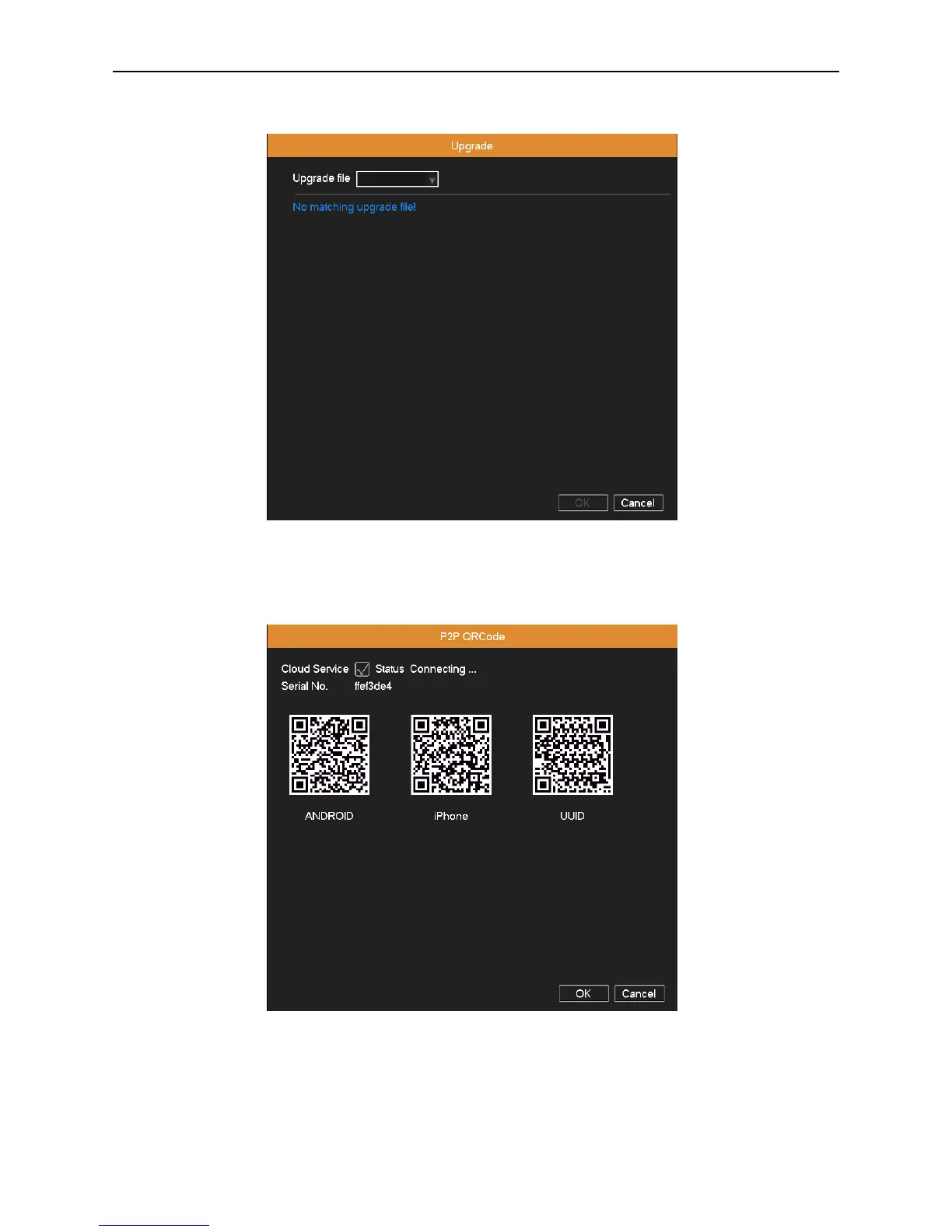
Copy the upgrade file into the USB disk, and then insert it to USB port on the DVR. Enter into “Main
Menu”“System”“Upgrade”, then find the upgrade file in the drop-down box, click OK button to start upgrading.
Picture 4.43 upgrade
4.6.9 P2P QR Code
Picture 4.44 P2P QR Code
User can use the Cloud Service client on iPhone™, iPad™ and Android™ phone to view the channel video remotely
through P2P function. When adding a new device, select the “Cloud” connection mode, click into the scanning state, then
scan the corresponding QR Code.



 To Next Page