AHD DVR User Manual
18
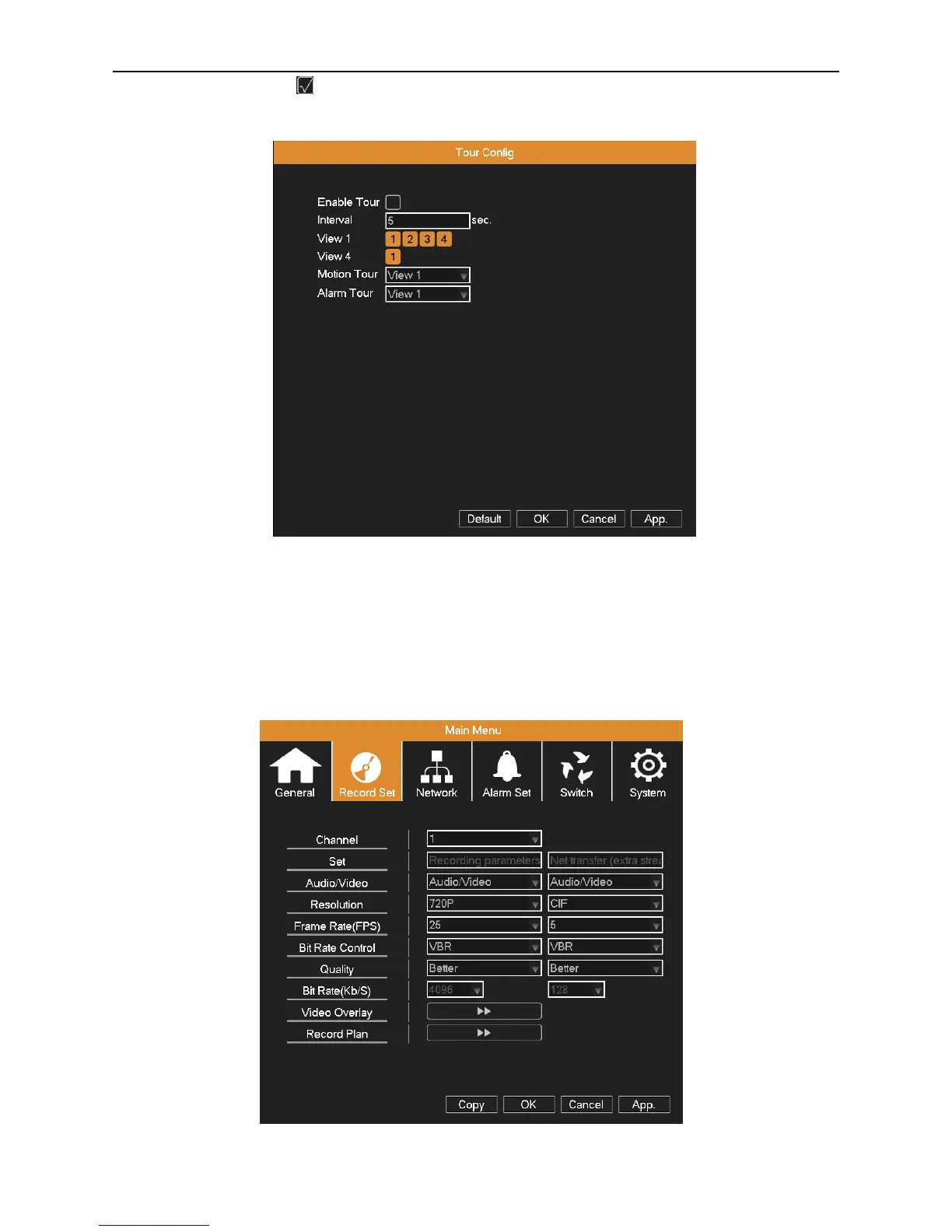
Tour: Set screen tour display, shows tour was opened. Select the display mode and channel combination, set interval
time for a certain dwell picture switching to next dwell picture.
Picture 4.2 Tour setting
4.2 Record Set
Set recording parameter (main stream) and network parameter (extra stream) of video and audio signal.
Set DVR’s recording plan.
Note: There is at least one read-write hard disk.
Picture 4.3 Record config



 To Next Page