AHD DVR User Manual
28
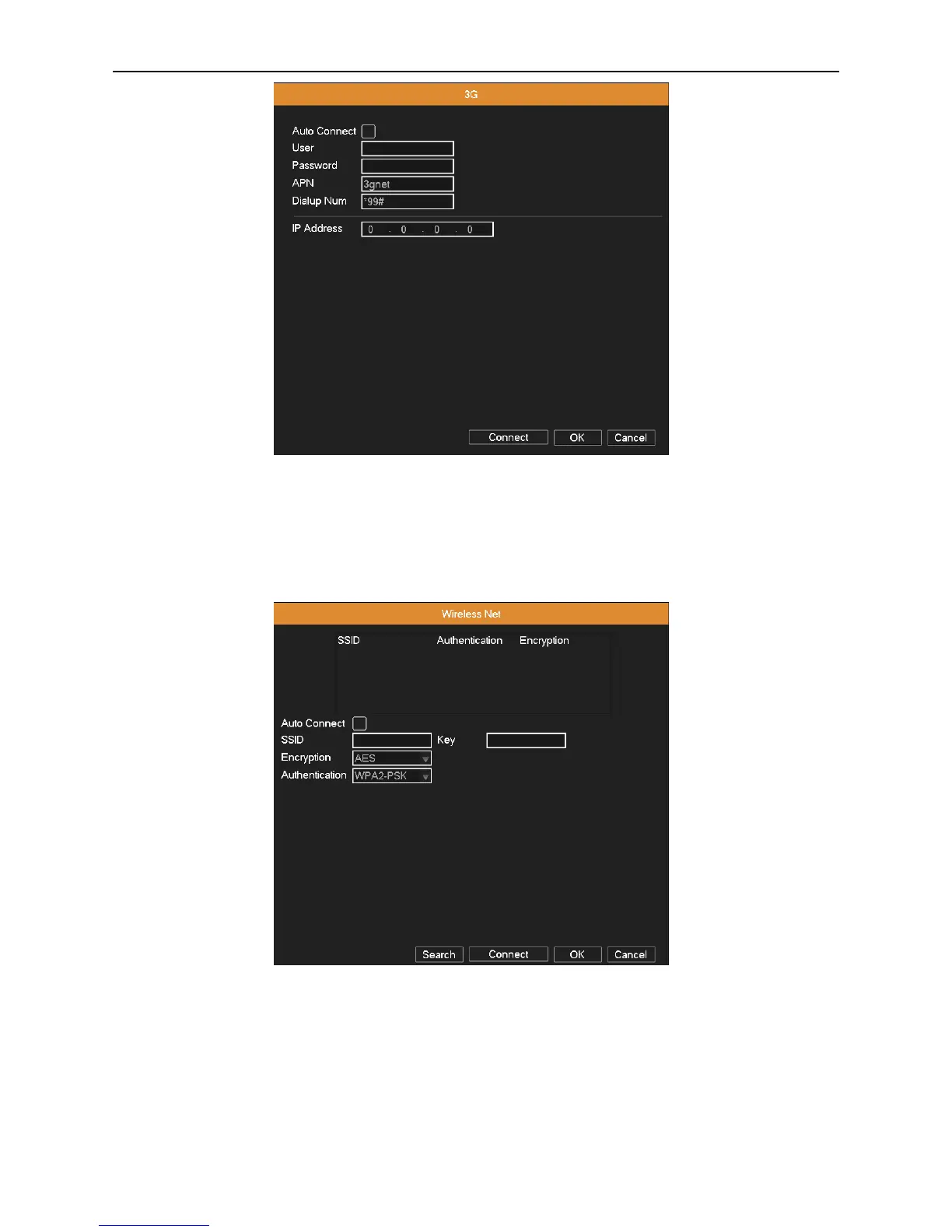
Picture 4.16 Wireless config
4.3.9 Wireless Net Config
Connect to wireless router by wireless module. View the device with IP under the condition that DVR has been connected
to WIFI module.
Picture 4.17 Wi-Fi
Search: Click “Search” button to get the available wireless network in the list.
Auto Connect: Enable the Wi-Fi function.
SSID: Name of wireless LAN automatically fit the connected wireless device.
Key: Wireless network’s password.
Encryption: Set the router’s encryption type.
Authentication: Set the router’s authentication type.



 To Next Page