AHD DVR User Manual
36
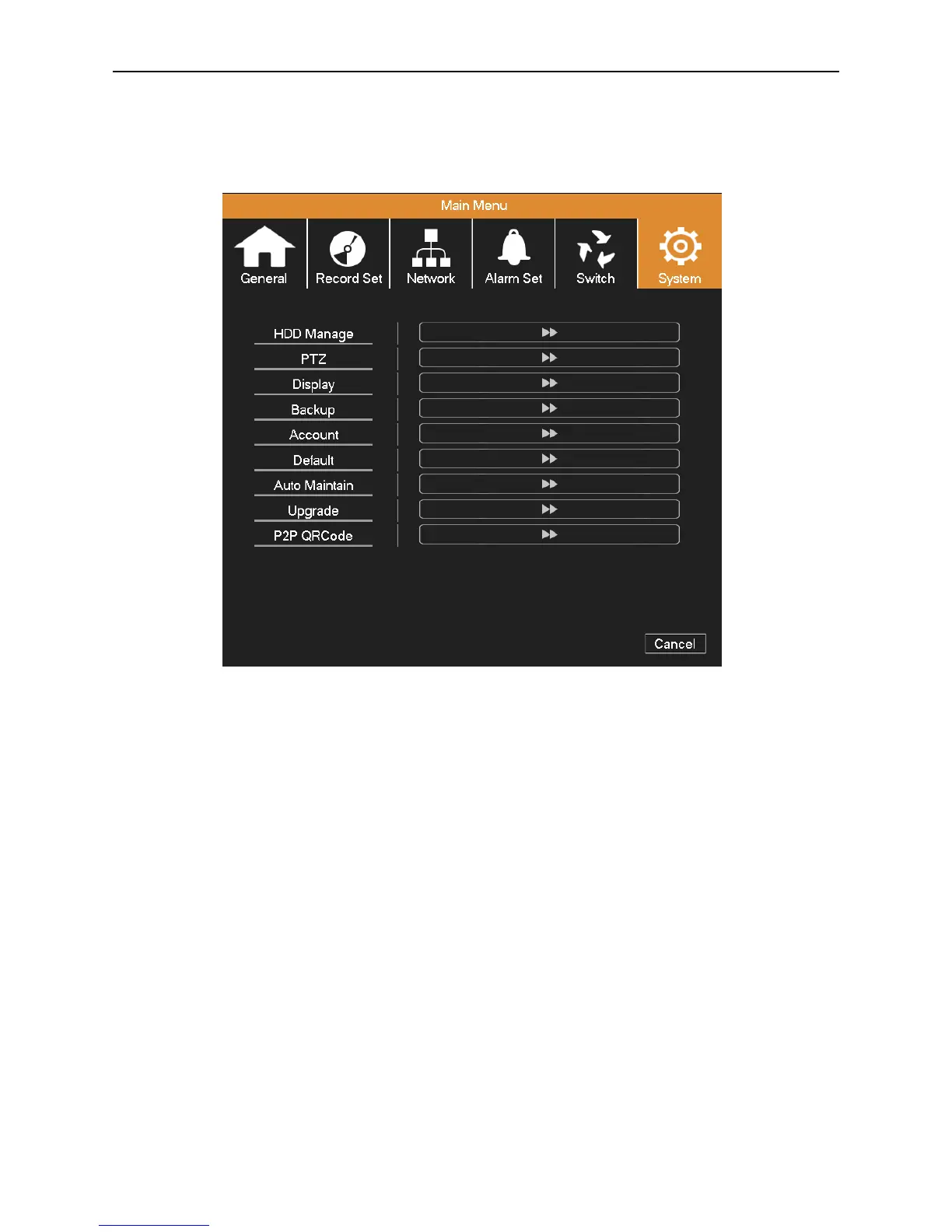
4.6 System Management
Set the system parameters such as HDD Manage, PTZ, Display, Backup, Account, Default, Auto Maintain, Upgrade and
P2P QRCode.
Picture 4.29 System
4.6.1 HDD Management
Configure and manage the hard disk.
The menu displays the current hard disk’s information: type, total space, free space, status, etc.
The HDD operation include: set up the write-read disk, read-only disk, redundant disk and format. Choose the hard disk
and click the function button on the right to execute.
Read/Write: The equipment can read data and write data.
Read Only: The equipment can read data but cannot write data.
Redundant: In the case of DVR already has the write-read disk, double backup the video files in the write-read disk.
Format: All of the data on the selected disk will be lost after formatting.



 To Next Page