AHD DVR User Manual
30
Channel: Choose a channel which needs to set the motion detection.
Active: Enable the motion detection function.
Sensitivity: Adjust the sensitivity of motion detection (six options) according to the practical situation.
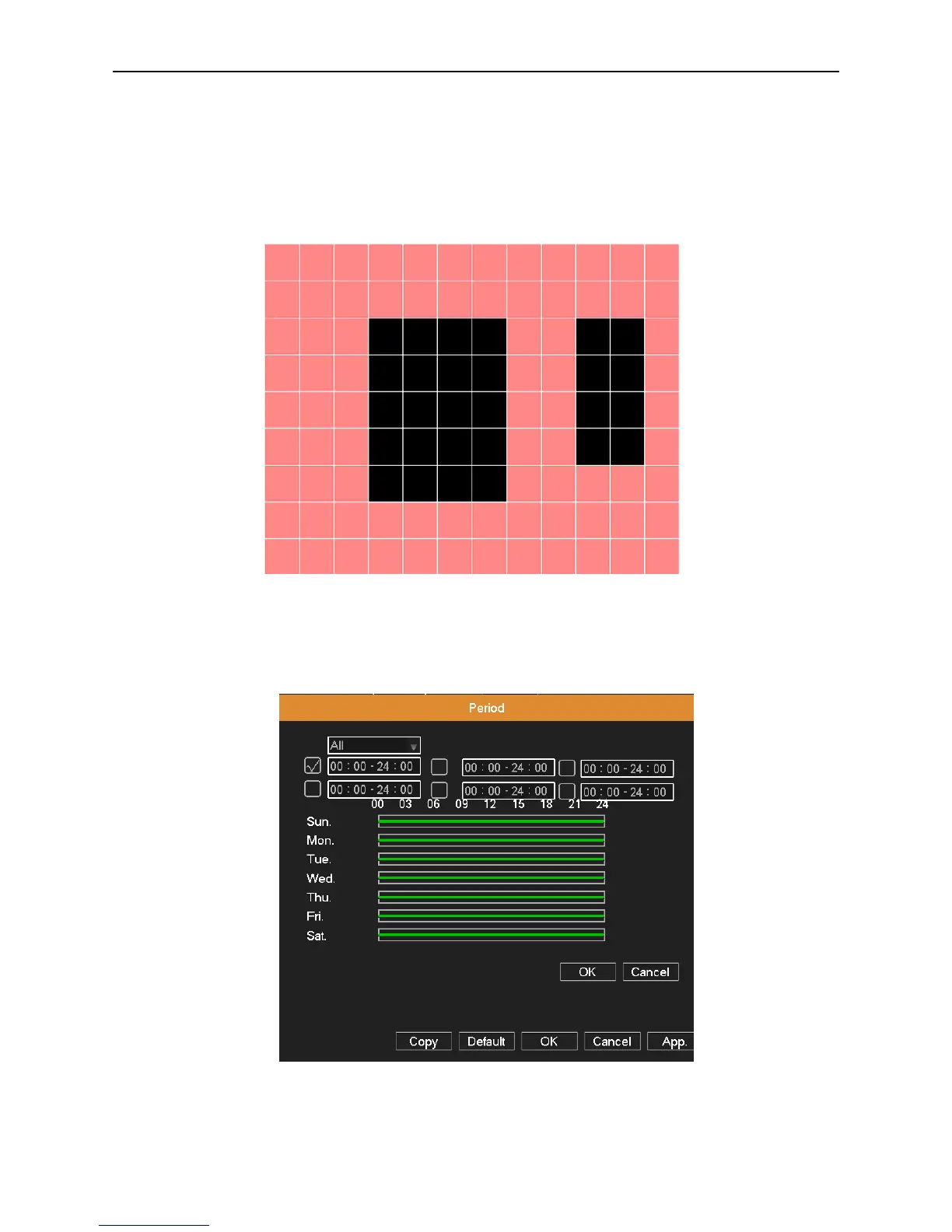
Region: Click Set button, drag the mouse to draw the detection area. Black block means the unfenced area. Coverage
block means the dynamic defensive area.
Picture 4.20 set the area
Period: Click Set button, select one day or all days of detection plan, set the time period (each day is divided into six time
sections), then click OK, it will start detecting only in the set range.
Picture 4.21 Period
Interval: Only one alarm signal is turned on even there are several motion detection signals in this interval.



 To Next Page