AHD DVR User Manual
42
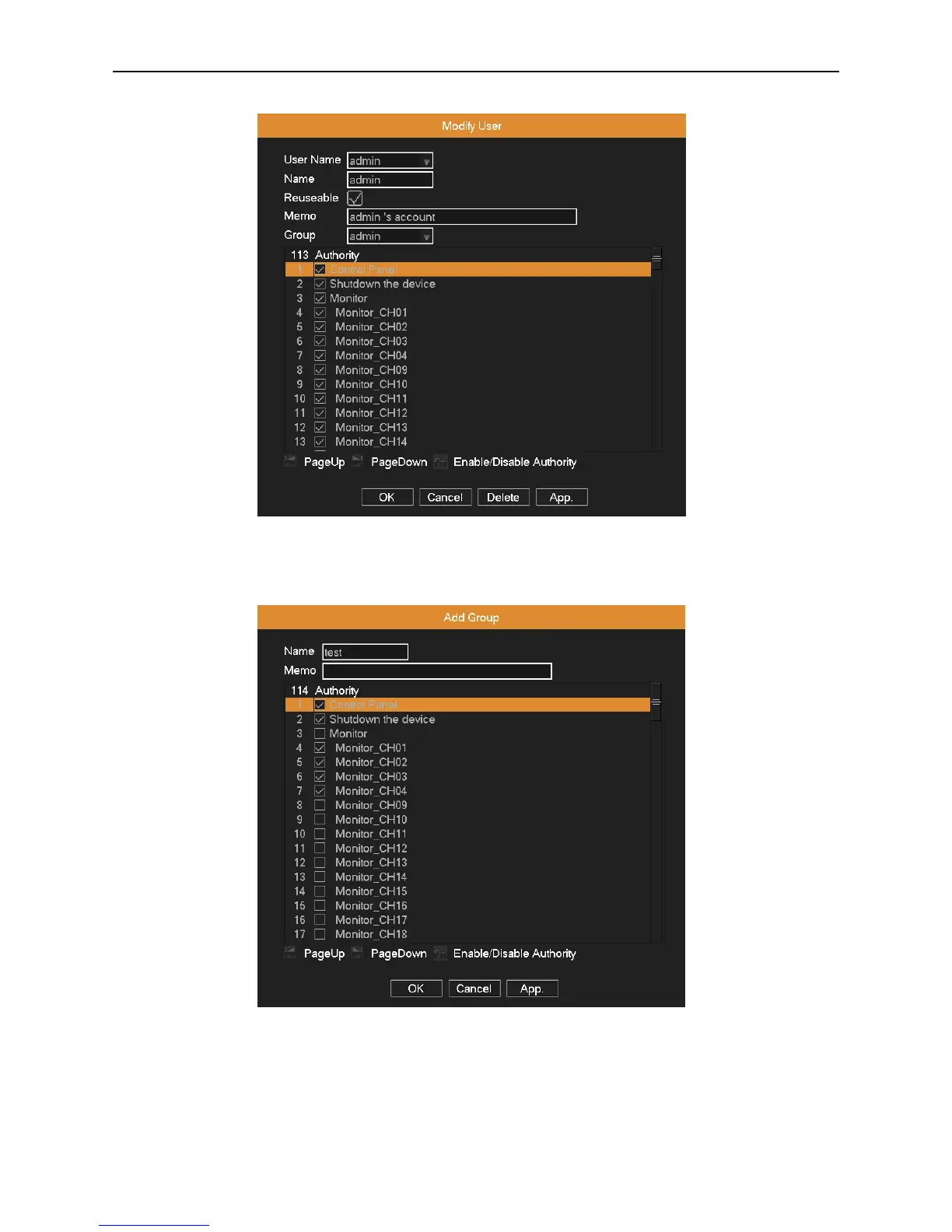
button to delete the current user. (The default user cannot be deleted, like admin, user and default)
Picture 4.37 Modify user
Add Group: Click Add Group button, input the new group’s name, choose this group’s permissions, and then click OK.
Picture 4.38 add group
Modify Group: Click Modify Group button, select a group you want to modify, and then modify this group’s attribute. Click
Delete button to delete the current group. The group cannot be deleted if there are users in the group.



 To Next Page