VIA694X System Board 57
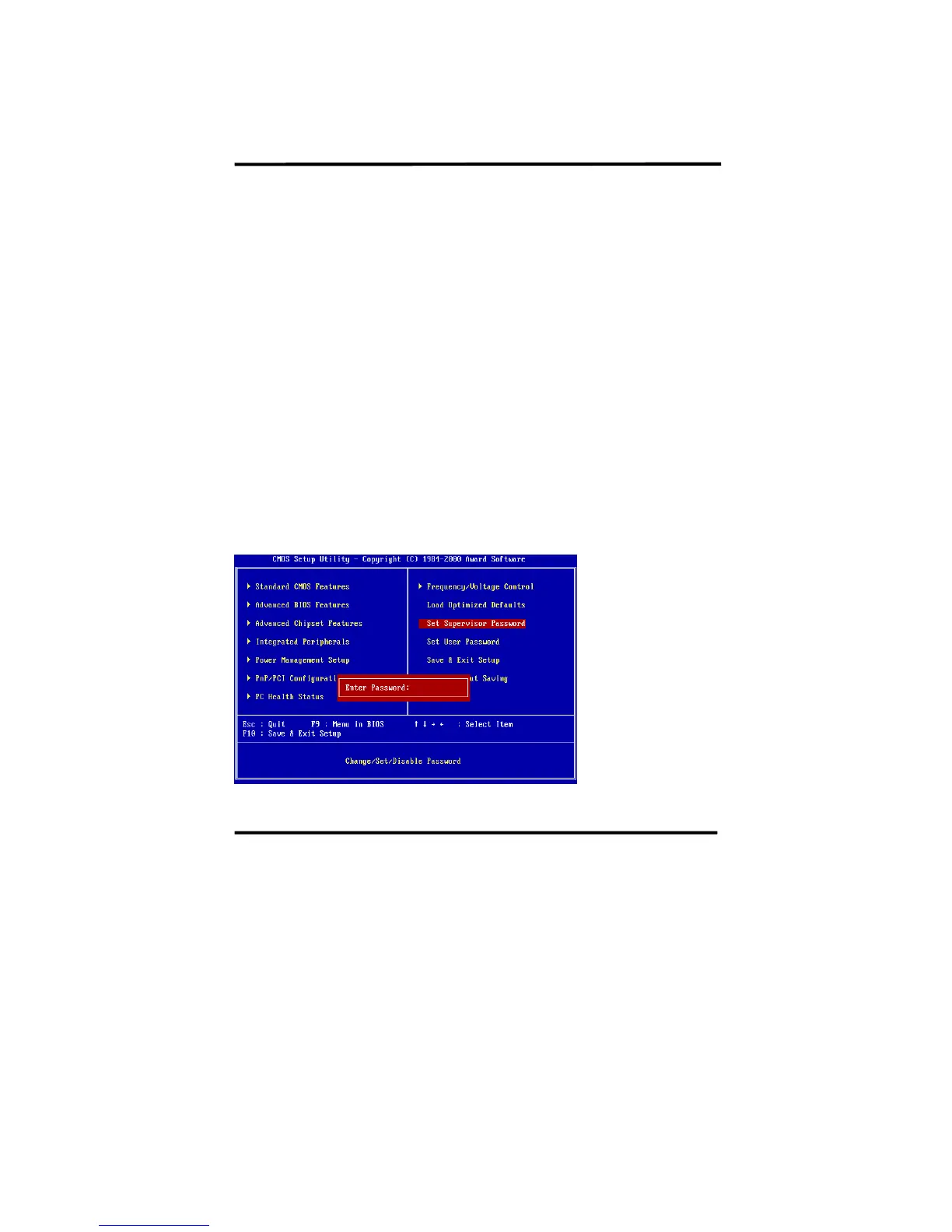
4-1-10 Supervisor/User Password
The "Supervisor/User Password setting" utility sets the security protection.
There are two kinds of password functions in the setup menu : one is “Supervisor
Password,” and the other is “User Password.” Their difference is:
Supervisor Password: this function allows you the right to change the options of
setup menu.
User Password: this function only allows you to enter the setup menu but not to
change the options of the setup menu except “USER PASSWORD,” “SAVE &
EXIT SETUP,” and “EXIT WITHOUT SAVING.”
1. How to set “Supervisor Password” & “User Password”
The setup of “Supervisor Password” and “User Password” has the same steps.
Step 1: Enter Password --Press <Enter> after appointing the password.














 To Next Page