VIA694X System Board 58
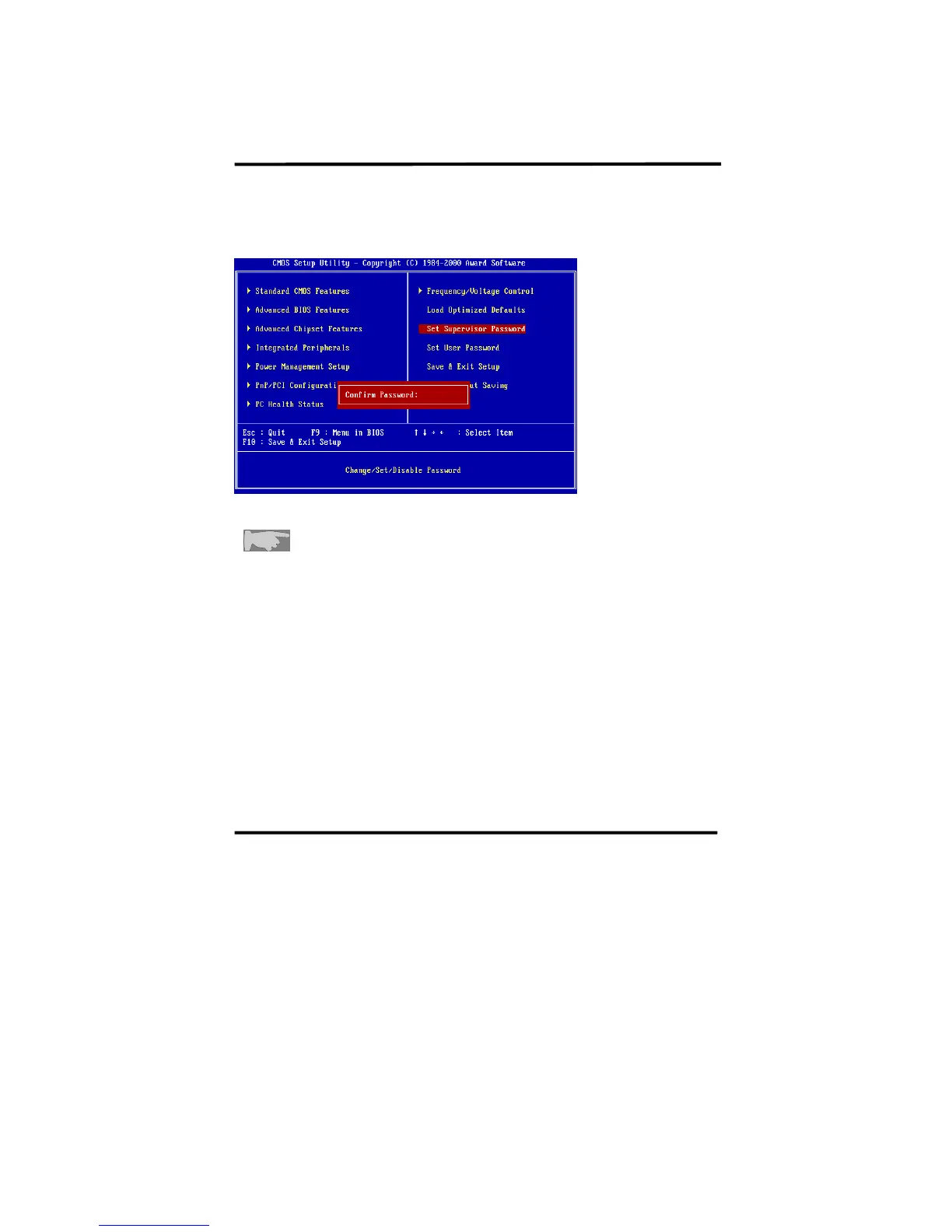
Step 2 : Confirm Password
Type the password again and press <Enter>.
If you forget password, please clear CMOS.
(refer to jumper JBAT)
Step 3: Set “Security Option” in “BIOS Features Setup”
After setting password, enter “Security Option” in “BIOS Features Setup.”
There are 2 options “Setup” & “System.” “Setup” will only secure CMOS setup
through password. “System” is to secure PC sytem and password is required
during system boot-up in addition to CMOS setup.














 To Next Page