VIA694X System Board 59
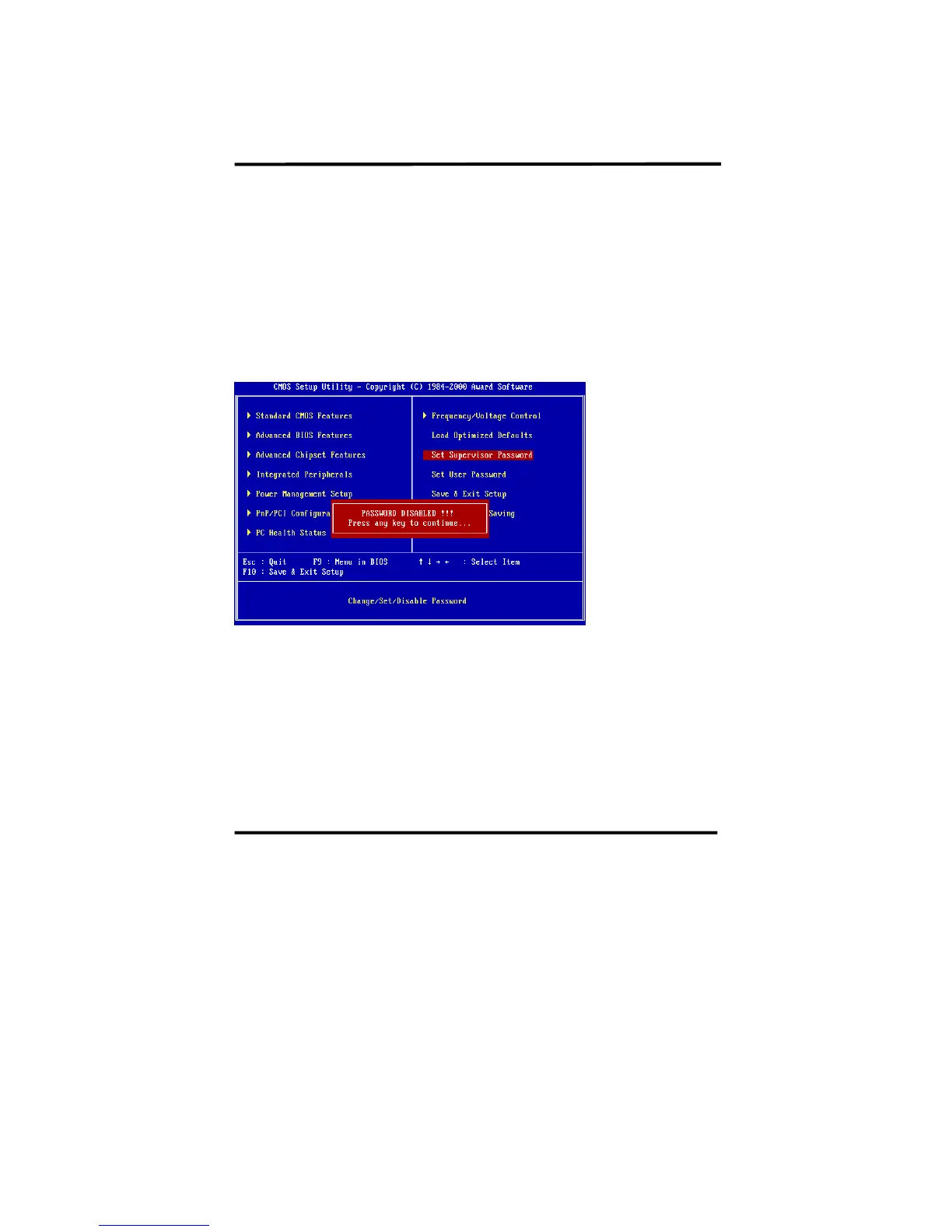
2. How to Disable “Supervisor Password” & “User Password”.
Step 1: Go to CMOS Setup Menu (need to key in password first)
Step 2: Enter “Supervisor Password” or “User Password”
When it shows “Enter Password”, press the <Enter> key instead of entering a new
password when "ENTER PASSWORD" appears. It will inform “PASSWORD
DISABLED PRESS ANY KEY TO CONTINUNE.” Then, press any key as
instructed to disable the password.














 To Next Page