Videojet 6210 Operator Manual
5-6 Removing and Reinstalling the Cassette
Rev AB
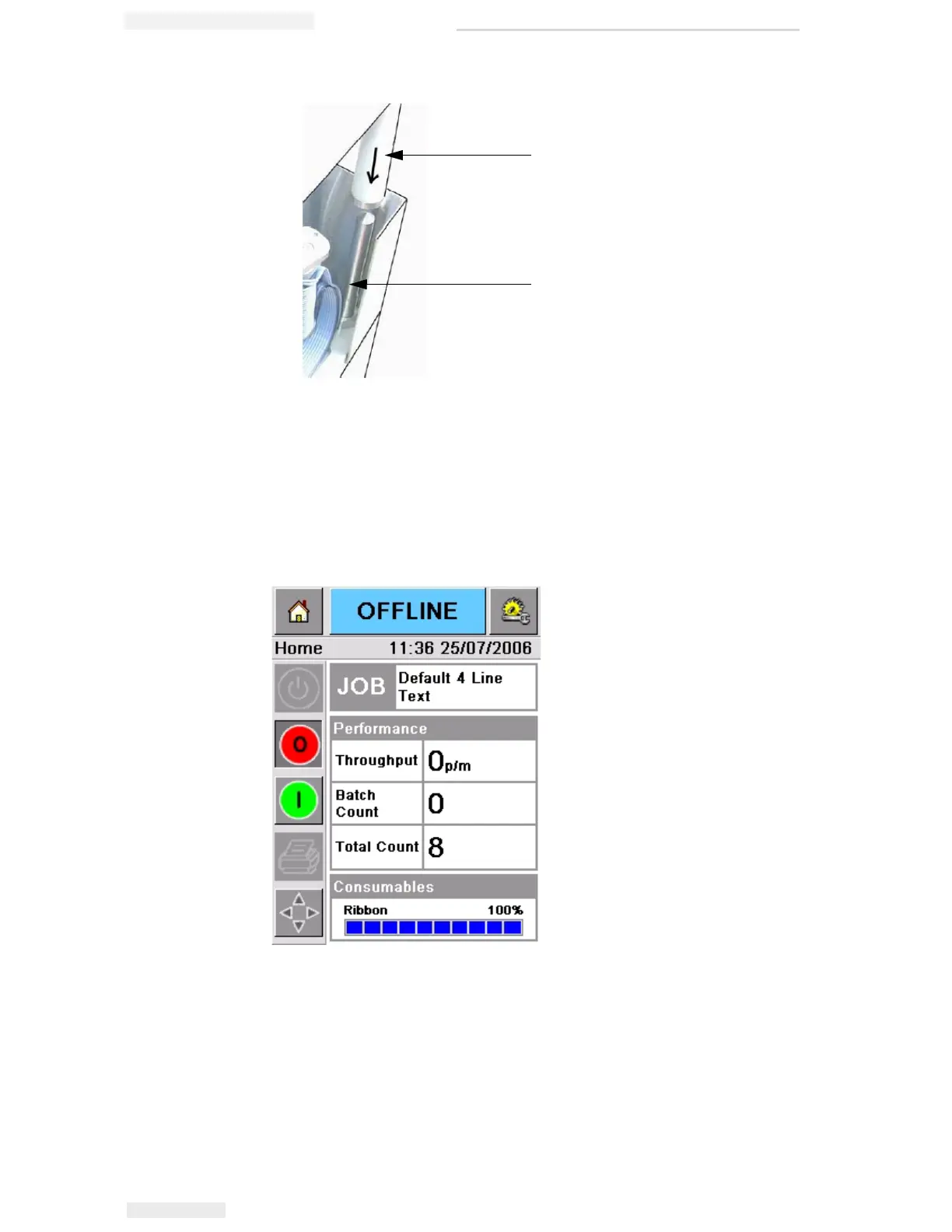
2 Push the cassette onto the printer body and press until it locks into
place.
The Cassette Open fault message clears automatically, and the
status is again shown as OFFLINE (Figure 5-8).
To continue printing, refer “Starting the Printer” on page 3-5.
Figure 5-7: Locating Rod Alignment
1
2
1. Ribbon Roller
2. Locating Rod
Figure 5-8: Offline State



 To Next Page