Videojet 6210 Operator Manual
5-10 Checking and Replacing the Ribbon
Rev AB
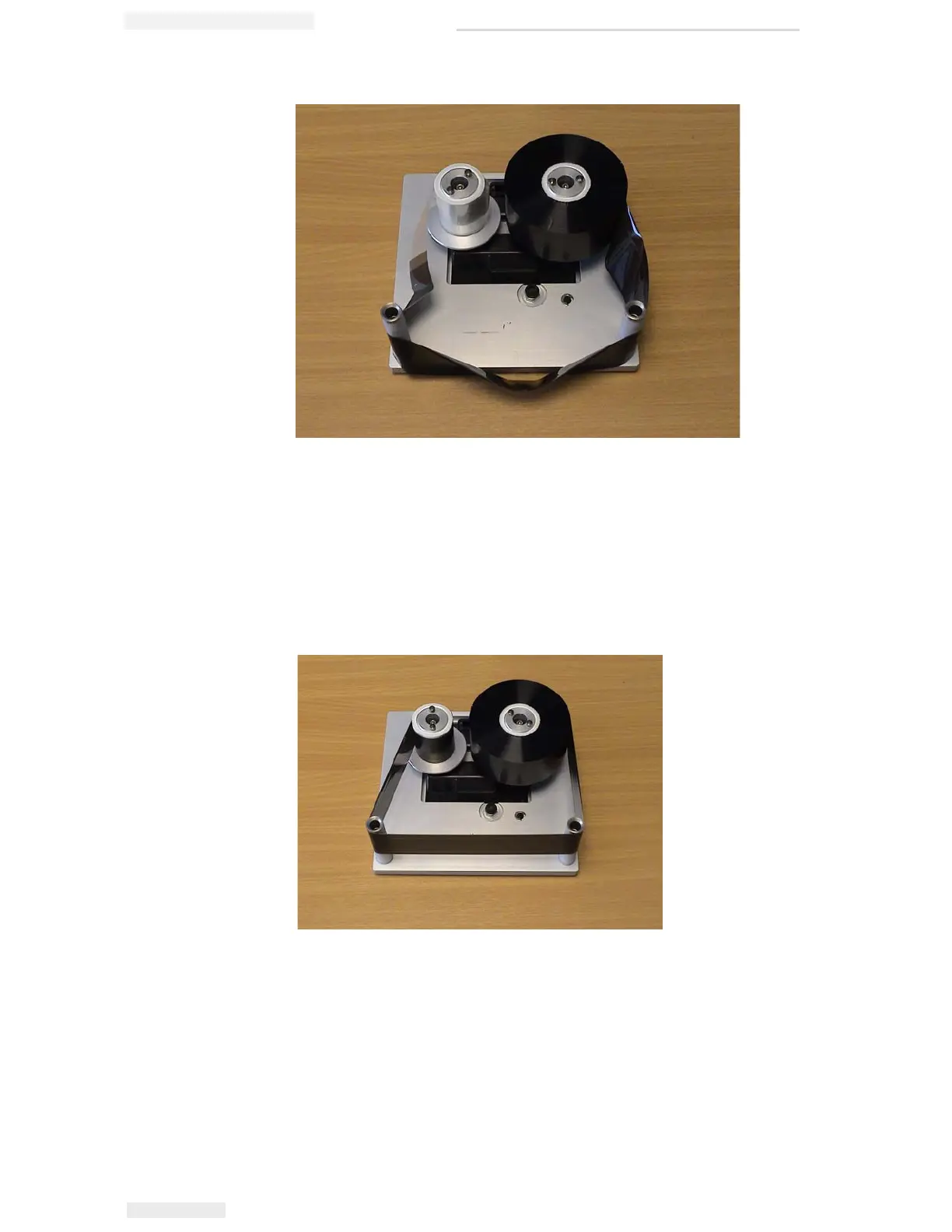
9 Turn the empty spool by hand to take up any excess ribbon. Stop
turning the empty spool when the full spool starts to rotate
(Figure 5-14).
Note: If the supplied ribbon has a transparent section or printed leader at
the start, rotate the empty spool to take up all the transparent ribbon.
10 Replace the cassette into the printer body.
Note: Ensure the following:
• The ribbon runs in between the printhead and the printer's print roller
or print pad
• The ribbon is not twisted or caught
• The ribbon has not become loose while replacing the cassette
Figure 5-13: Ribbon Spool Complete
Figure 5-14: Ribbon Spool Routing


 To Next Page
 Loading...