13
02
03
04
05
06
07
08
09
01
7
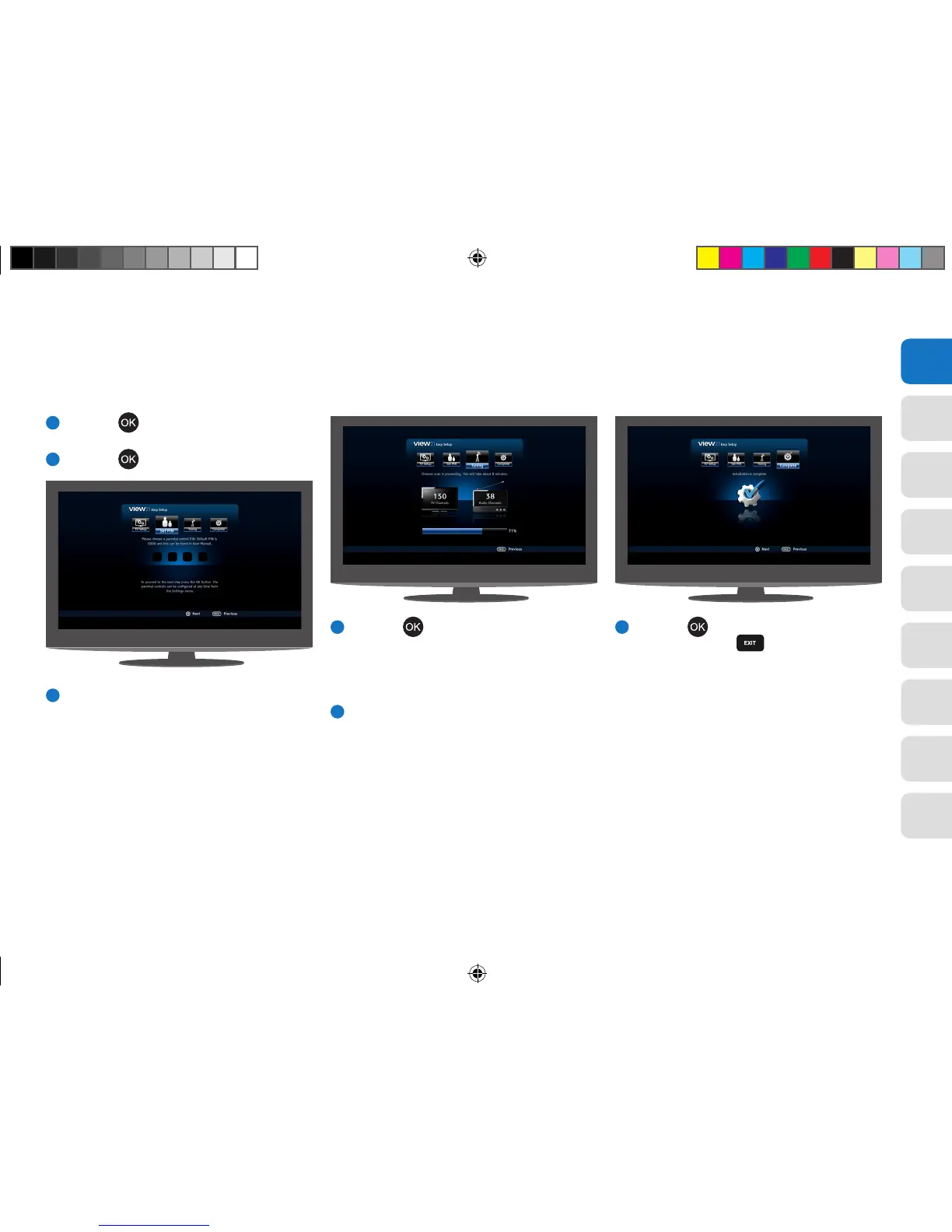
Press the button. The ‘Set PIN’ function
will be selected.
8
Press the
button. The PIN can be set later.
9
The ‘Tuning’ function will be selected,
showing the number of TV and Radio channels
currently stored in the View21 box. On your
first setup, these will both be 0.
10
Press the button. The system scans for TV
and Radio channels and updates the number
of channels found. During this time a progress
bar advances until complete (100%). This step
takes about 8 minutes.
11
When scanning has finished, the screen
displays ‘Installation complete’.
12
Press the button to set up your WiFi
connection, or the button to begin
watching the first TV channel stored.
View21_VV107ZRH_HD Digital TV Recorder_UG_V3.indd 13 11/07/2013 15:39:55



 To Next Page