12 Getting set up
5
Press the button to select the resolution
of your TV.
6
Repeatedly press the button until the
resolution of your TV appears in the
highlighted panel.
Advanced install
The Easy install is the recommended
installation option.
However you may want to choose the
‘Advanced’ option to manually select the
specific aspect ratio or display resolution
of your screen.
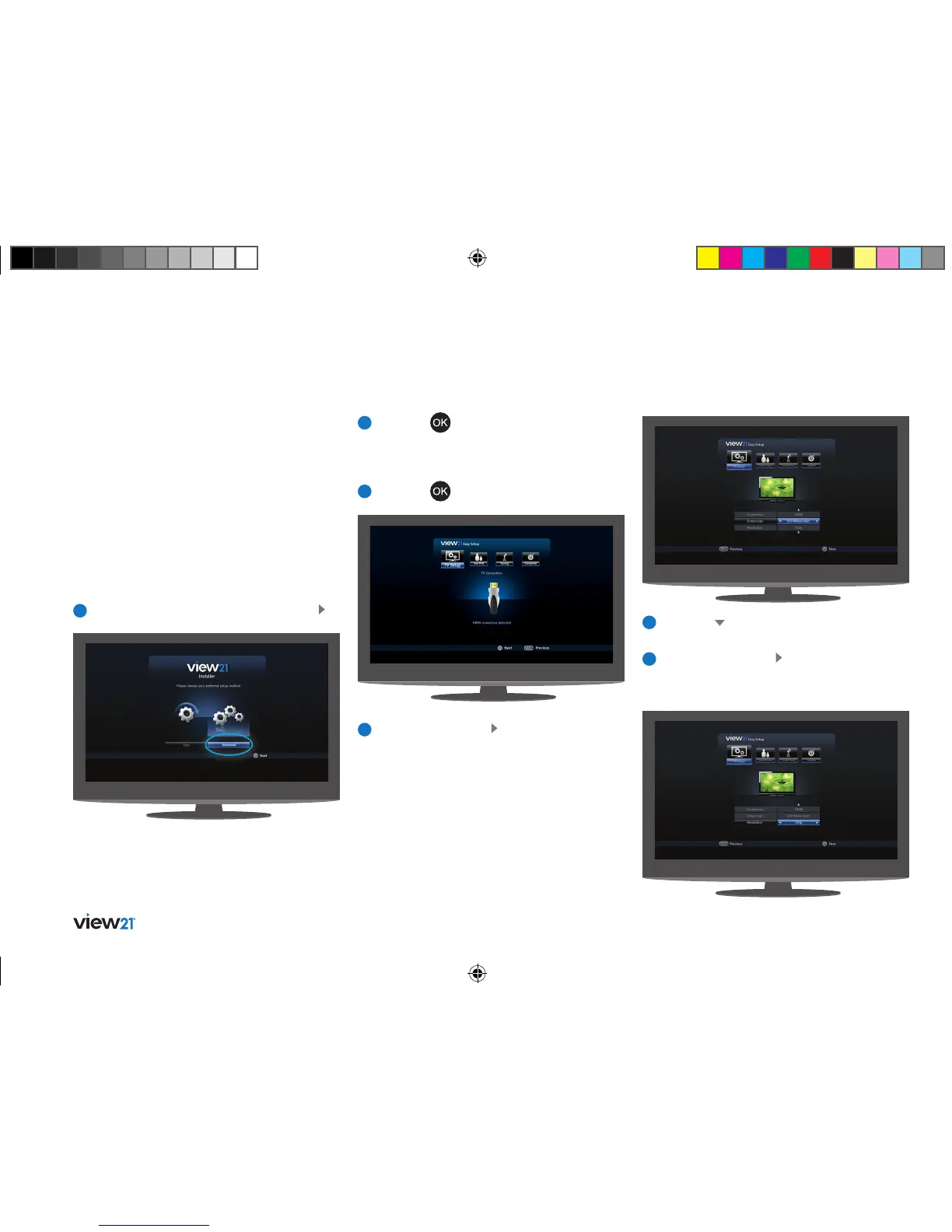
To perform an ‘Advanced’ installation
1
If ‘Advanced’ is not already selected, press .
4
Repeatedly press the button until the screen
size (aspect ratio) of your TV appears in the
highlighted panel.
2
Press the button. The ‘Advanced Setup’
screen will be displayed with the ‘TV Setup’
function selected. How your View21 box is
connected to your TV will also be shown.
3
Press the button.
Tip: You can re-run the install process at any
time, see page 38.
View21_VV107ZRH_HD Digital TV Recorder_UG_V3.indd 12 11/07/2013 15:39:55



 To Next Page