30 Advanced box features
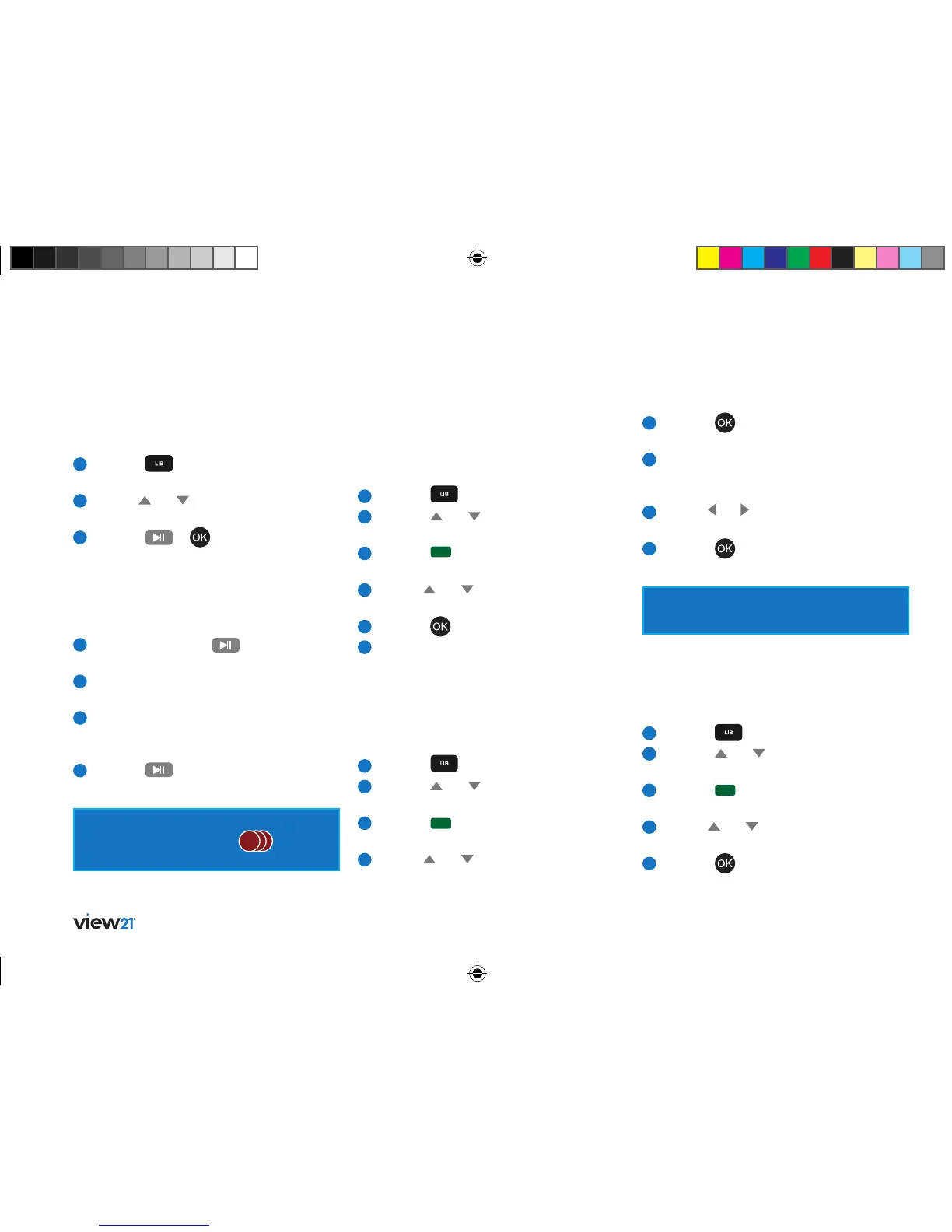
Playing a recording
To play a recording:
1
Press the button on the remote
control to open the Library.
2
Use the and buttons to select
the recording you wish to play.
3
Press the or button on the
remote control.
The recording will start to play from the beginning.
Pausing and resuming play
To pause and resume playback of a recording:
1
During play, press the button on the
remote control.
2
Play will be paused and the screen display
will be ‘frozen’.
3
A progress bar will be displayed at the foot
of the screen that shows elapsed play time
and total play time.
4
Press the
button on the remote control
to resume play from the paused time.
When the programme has been set as ‘Record
series’ this is indicated by the
RRR
symbol
placed on the programme row.
Play a recording using ‘Resume play’
and ‘Play from start’ options
You can set a recording to play from the last
viewed position or from the start.
1
Press the button to access the Library.
2
Press the and buttons to select
a recording.
3
Press the button. The ‘Options’ menu
will be displayed.
4
Use the and buttons to select from
’Resume play’ or ’Play from start’.
5
Press the button to begin playback.
6
Playback of the recording will now resume
or start according to the option selected.
Play a recording using the `Play from
time’ option
You may know the time in a recording that you
would like to start playback from.
1
Press the button to access the Library.
2
Press the and buttons to select
a recording.
3
Press the button. The ‘Options’ menu
will be displayed.
4
Use the and buttons to select ’Play
from time’.
Protecting a recording
To prevent anyone from deleting your recordings,
you can lock the recording so that your PIN needs
to be entered before the recording can be deleted.
1
Press the button to access the Library.
2
Press the and buttons to select
a recording.
3
Press the button. The ‘Options’ menu
will be displayed.
4
Use the and buttons to select
‘Protect recording’.
5
Press the button.
5
Press the button. A dialogue box will
open named ‘Play from time’.
6
Use the numerical keypad on the remote
control to enter the start time in hours
and minutes.
7
Use the and buttons to switch between
the hours and minutes counters in the box.
8
Press the button to begin playback
at the selected time.
The time entered must be less than the
duration of the recording.
View21_VV107ZRH_HD Digital TV Recorder_UG_V3.indd 30 11/07/2013 15:40:12



 To Next Page