34 Settings menu
Settings menu
Display and
audio settings
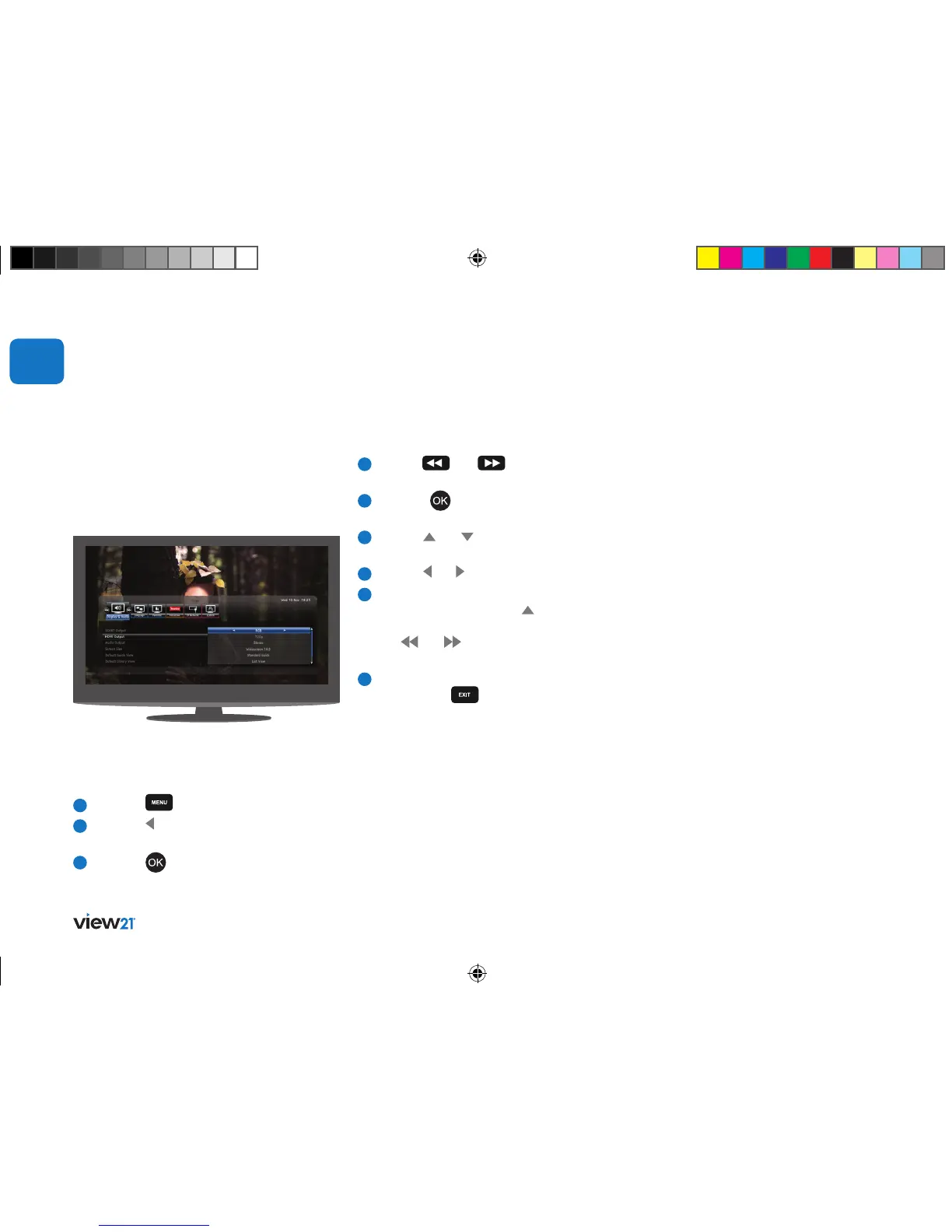
The Settings function lets you configure the
View21 box to your optimal viewing preferences.
The Settings function can be found on the
Main Menu bar.
To open and display the Settings bar,
1
Press the
button.
2
Press the button to select the
Settings function.
3
Press the button. The Settings bar
will be displayed.
04
Audio output
This sets the audio output to suit how audio will
be heard. If you have connected the View21 box
to your TV using an HDMI cable and have not
connected a surround sound system, select stereo.
If you have connected the View21 box to a
surround sound system using an optical cable,
or to an AV receiver using HDMI select Bitstream.
Screen size
This allows you to set the aspect ratio output by
the View21 box to your TV. The available options
are: Letterbox 4:3, Pan and Scan 4:3, Widescreen
4:3 and Widescreen 16:9.
Default programme guide view
This sets the default Guide format. The available
options are: Mini, Standard or Extended.
Default Library view
This sets the default Library format. The available
options are: List and Slideshow.
Menu transparency
This allows you to set up the appearance of the
menus according to your personal preference.
There are two options: On and Off.
Navigating and editing the System menu
To navigate the System menu:
1
Use the
and buttons to select
the item on the bar.
2
Press the button to access the function.
Associated options will be displayed.
3
Use the and buttons to move up
and down the menus.
4
Use the and buttons to adjust an option.
5
To exit the System menu and display another
menu repeatedly press the button until the
System symbol is highlighted. You can select
the
and buttons to select the item on
the bar.
6
To exit the System menu and return to live
TV, press the button.
HDMI video output
This is the highest quality video output on your
View21 box. The output resolution can be set
to one of four resolutions. Select the resolution
to match the best HDMI input according to
your TV’s user manual. Usually the higher
the resolution, the better the picture quality.
The available options are 576p, 720p, 1080i
and 1080p.
View21_VV107ZRH_HD Digital TV Recorder_UG_V3.indd 34 11/07/2013 15:40:13



 To Next Page