14 Getting started
Getting started
Using your View21 box
Your View21 box has some functions you
will use every day, and others that you only
use occasionally.
You can find commonly used functions in this
section so you can get your digital box up and
running as quickly as possible.
We suggest you read this section carefully,
then use other sections when you need extra
information or guidance for settings.
Selecting channels
This can be done in several ways:
• Directly from the numerical keypad
on the remote control
• Using the
and buttons on
the remote control.
• Using the Guide
Using the numerical keypad:
1
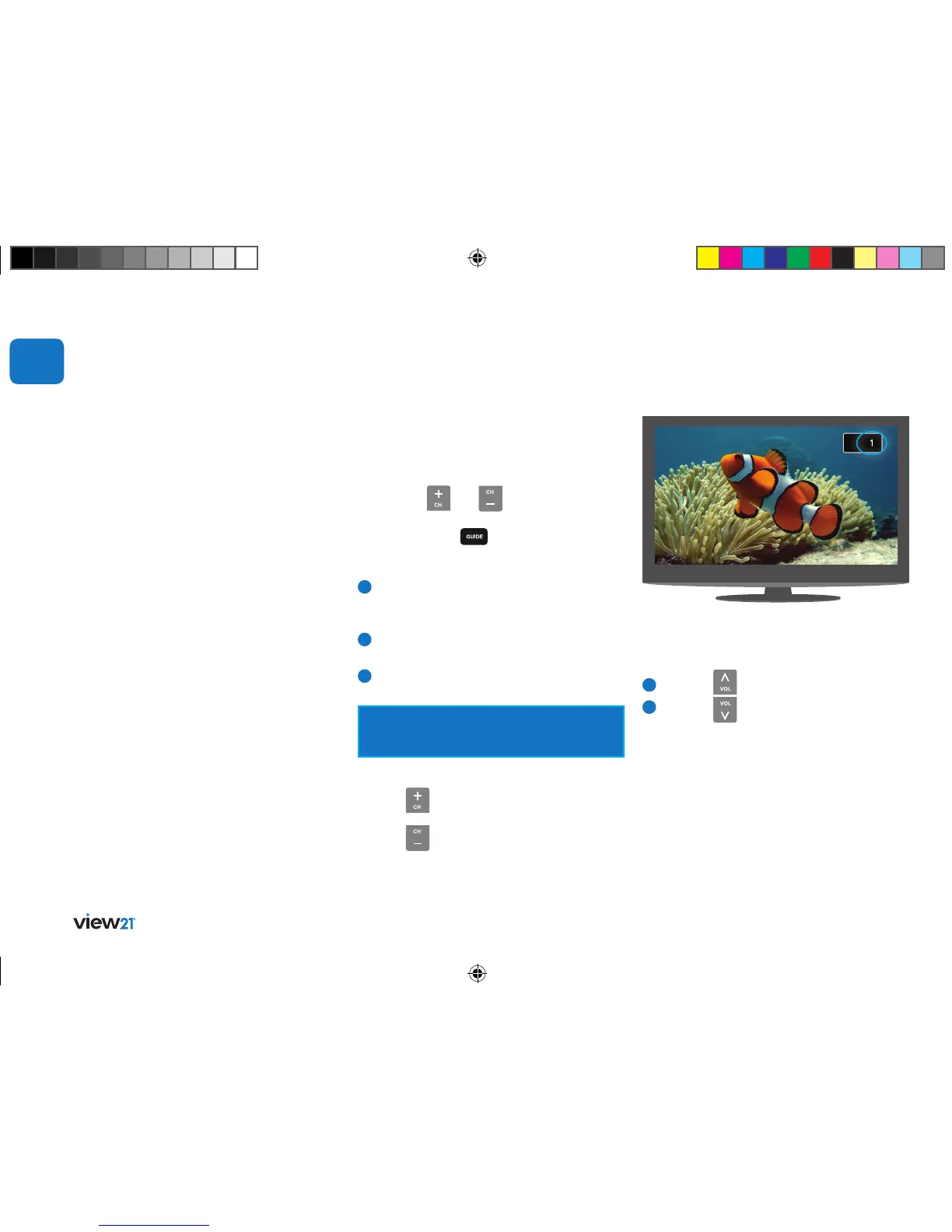
Enter the channel number using the numerical
keys on the remote control. As they are entered
they are displayed in the top right of the screen.
2
To enter ‘13’ for example, enter 1 and then
soon after, enter 3.
3
The TV will switch to channel 13.
If the delay between pressing 1 and 3 is too
long, then the digits will not be read as 13.
Using the channel change buttons:
Press the
button to change to
the next channel.
Press the button to change to
the previous channel.
02
Changing the volume
You can change the volume using the V+ and
V- buttons on the remote control.
1
Press the button to increase the volume.
2
Press the button to decrease the volume.
A symbol will be displayed in the top right of the
screen to indicate the volume level is being changed.
View21_VV107ZRH_HD Digital TV Recorder_UG_V3.indd 14 11/07/2013 15:39:56



 To Next Page