39
01
02
03
05
06
07
08
09
04
15
To accept the channels found and overwrite
the existing channel details, press the
button. Or press the button to exit
the function without applying any changes,
or press the (Re-Scan) button to scan again.
WiFi setup
To set up your WiFi connection, launch the option
from the system menu. The set up wizard will
automatically search for any wireless networks that
are in range. When you select one you will be
prompted to enter the network password. Follow
the on-screen instructions to complete the set up.
Auto standby
If set to Yes, the View21 box will automatically
switch to standby mode to reduce power
consumption after 3 hours. The available
options are: Yes and No.
Automatic updates
Automatic updates allow your system to
automatically download and install firmware
updates. The available options are: Yes and No.
Your first update may need to be performed
manually, please visit view21.com/support.
Network change notification
When a network switch-over event occurs,
a notification will be broadcast that informs you
that you will need to carry out a retune. If you
want to receive this notification, select Yes.
The available options are: Yes and No.
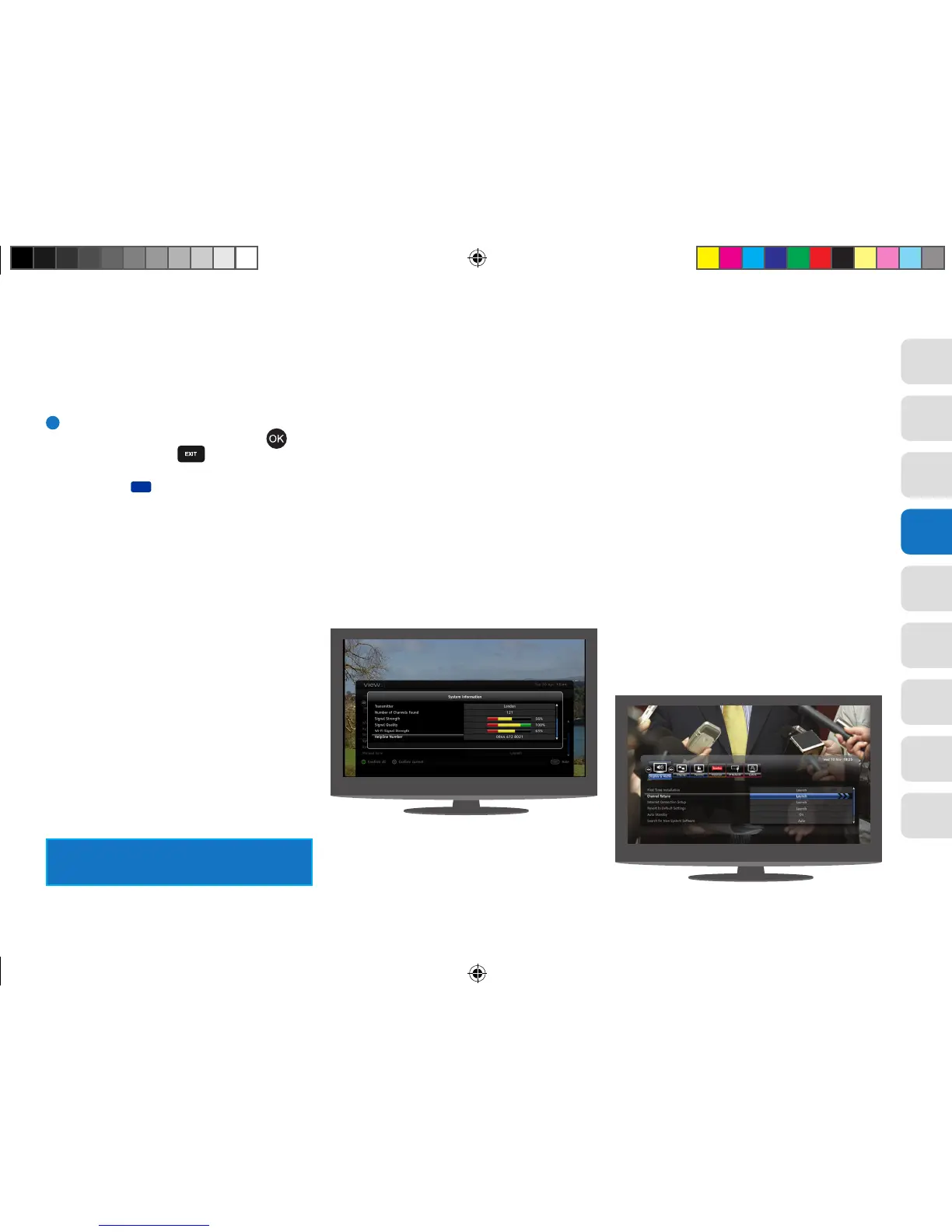
System information
This provides system information including
Hardware and Software Versions. Have this
information available if you need to contact
the customer helpline.
Front panel lights
There are a set of LEDs on the front panel that
become animated to indicate the operation of
some functions. This display can be turned off
if desired. The available options are: On and Off.
Revert to default settings
This option allows you to return the View21 box
to the default factory settings.
Manual retune
This function allows you to search for a particular
channel. This may be used to scan for a channel
that should be, but is not, in your channel list. This
function is only expected to be useful for users
with knowledge of transmission frequencies.
View21_VV107ZRH_HD Digital TV Recorder_UG_V3.indd 39 11/07/2013 15:40:16



 To Next Page