40 Settings menu
9
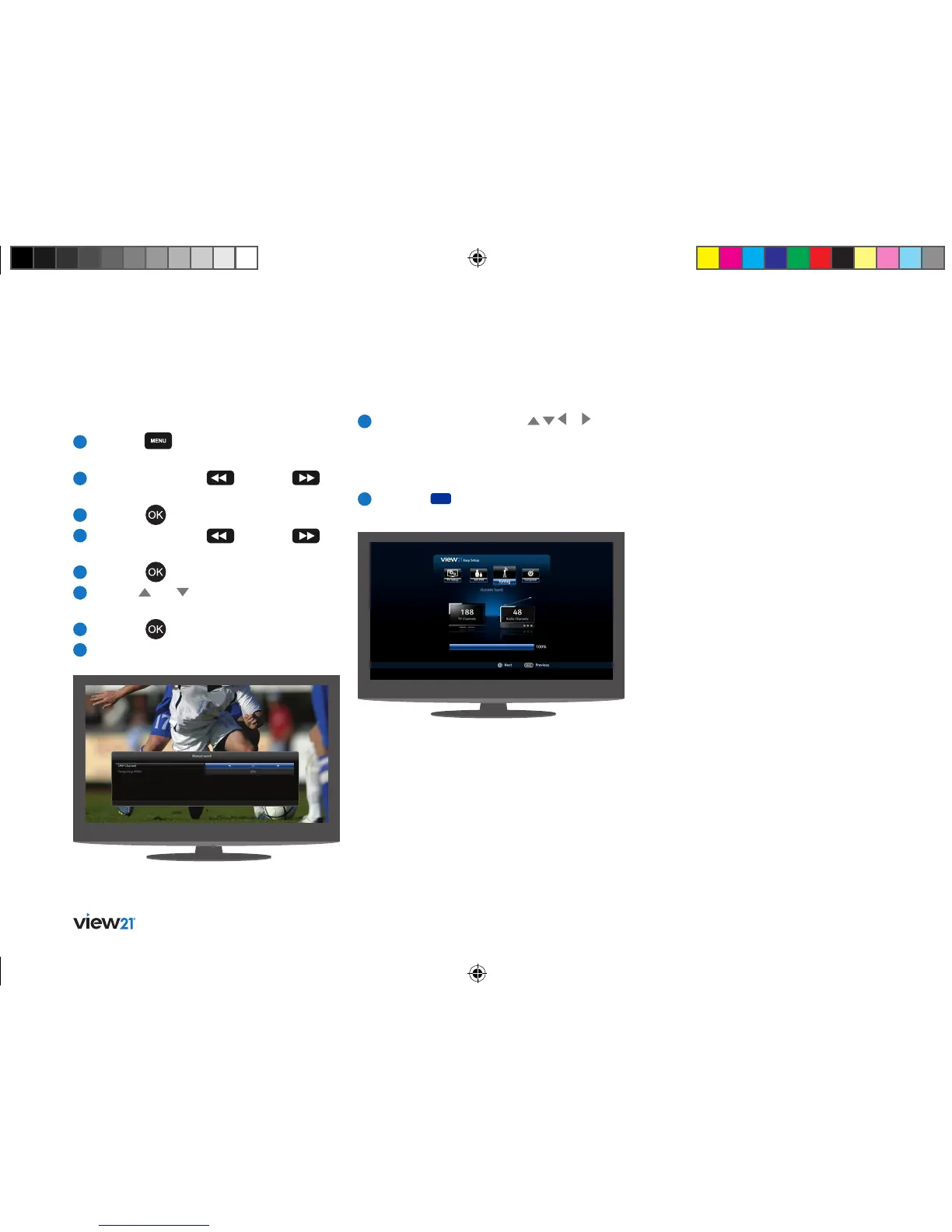
Use the navigation buttons ( , , or )
to navigate and edit the Channel number
and Frequency for the channel you are
searching for.
10
Press the button (Start Scan) to start
the search.
To perform a Manual tune, carry out the following.
1
Press the button to display the
Main Menu.
2
Repeatedly press the
button or
button to select ‘Settings’ in the bar.
3
Press the button.
4
Repeatedly press the
button or
button to select ‘System’ in the Settings bar.
5
Press the button.
6
Use the and buttons to select
‘Manual tune’.
7
Press the button.
8
The ‘Manual search’ window is displayed.
View21_VV107ZRH_HD Digital TV Recorder_UG_V3.indd 40 11/07/2013 15:40:17



 To Next Page