29
01
02
04
05
06
07
08
09
03
Library
The Library lists the recordings you have made
and stored on the View21 box. The recordings
can be selected and played from here.
Access the Library
1
Press the button on the remote control.
Alternatively, you can access the Library through
the Main Menu or the Guide.
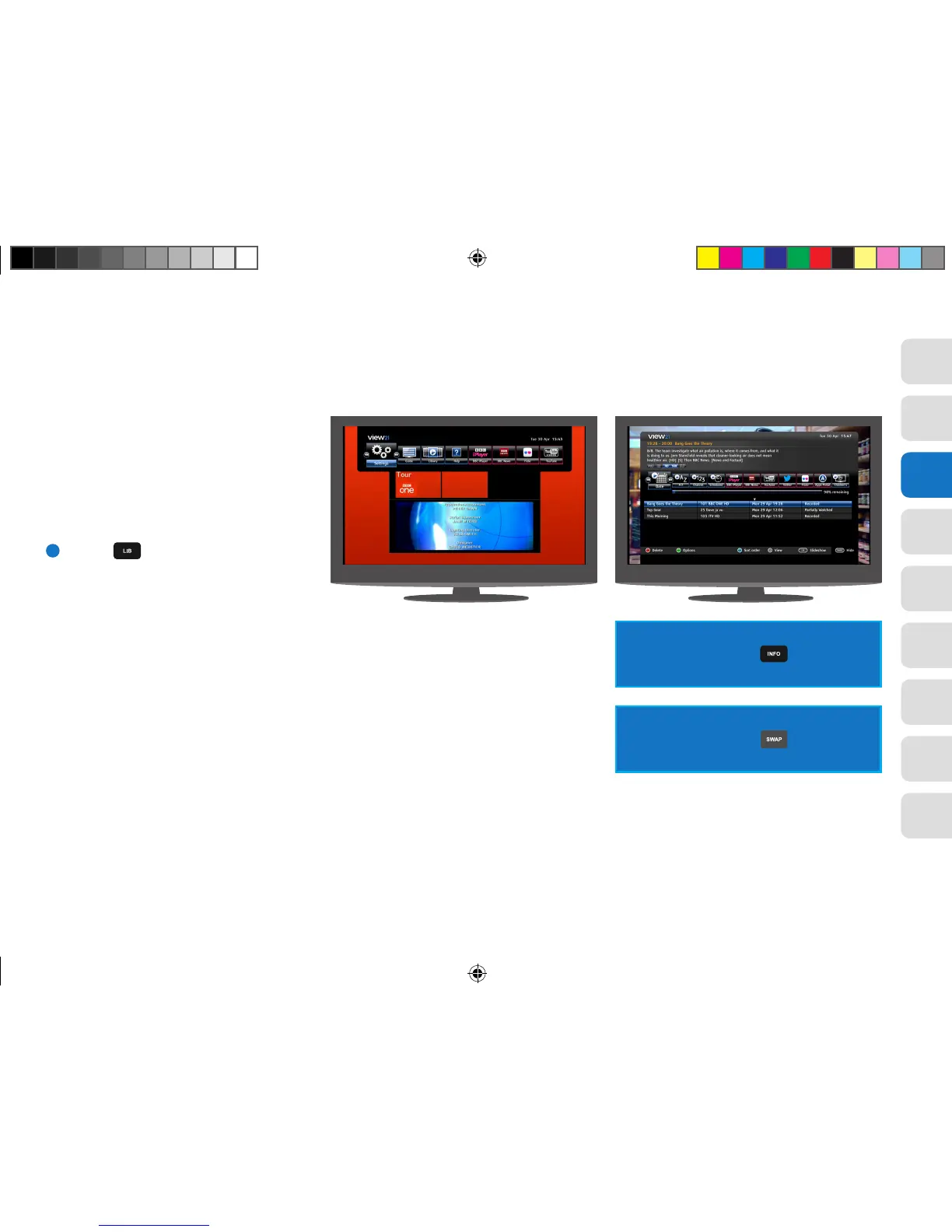
The Library lists recorded programmes or scheduled
recordings in a four column list and shows the
following information:
• Programme Name
• Channel Number and Name
• Date of recording
• Status (In Progress, Watched and Recorded).
Using the Library tools on the bar you can sort by:
• Date order (Date)
• Alphabetically (A-Z)
• Channel number (Channel)
• Programmes set to be recorded (Schedule)
The Library has three sections. These are:
• Header: Provides information specific to the
selected recording, including programme synopsis,
broadcast time and the programme name.
• Library list: Lists the recordings and other
relevant information and provides Library tools
on the Library bar for sorting the list.
• Footer: Provides a quick reference of buttons
and their functions that can be used for
management and playback of the recordings.
The Footer panel can be toggled between
Show and Hide using the button on
the remote control.
The Header panel can be toggled between
Show and Hide using the button on the
remote control.
View21_VV107ZRH_HD Digital TV Recorder_UG_V3.indd 29 11/07/2013 15:40:11



 To Next Page