21
01
03
04
05
06
07
08
09
02
1
Press the button to display the Sign In box.
2
Use the and buttons to select ‘Username’.
3
Press the button.
4
Using the on-screen keyboard with the navigation
buttons ( , , or ) and the button,
enter your username and then select ‘Use’.
5
Use the and buttons to select ‘Password’.
6
Using the on-screen keyboard with the
navigation buttons ( , , or ) and
the button, enter your password and
then select ‘Use’.
7
Use the and buttons to select ‘Confirm’.
8
Press the button. You will be signed in
and the ‘Sign In’ box will be removed from
the screen.
9
Use the and buttons to switch between
the YouTube bar and the slideshow bar.
10
Use the
and buttons or the navigation
buttons to step along the selected menu bar
to select the item you want to view.
11
Press the
button to view the selection.
12
Press the button to exit the application
and return to live TV.
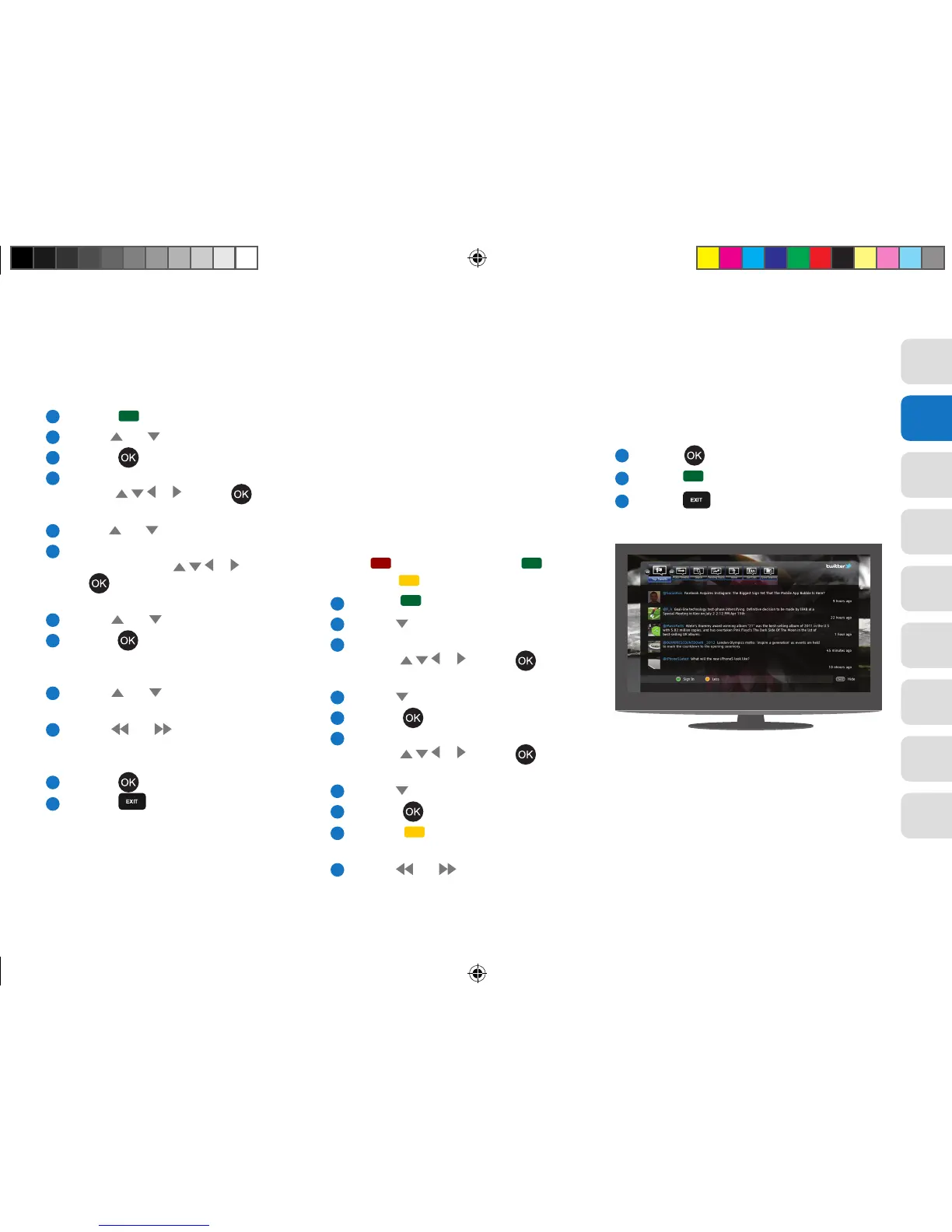
Twitter
This is a microblogging service that enables users
to read text-based posts up to 140 characters.
Posting new messages is not possible through
your View21 box.
Once you access the Twitter application, the
minimal Home page is displayed (single tweet).
There are three buttons along the bottom of the
screen, button (Pause/Resume), button
(Sign In) and button (More/Less).
1
Press the button to display the Sign In box.
2
Use the button to select ‘Username’.
3
Using the on-screen keyboard with the navigation
buttons ( , , or ) and the button,
enter your username and then select ‘Use’.
4
Use the button to select ‘Password’.
5
Press the button.
6
Using the on-screen keyboard with the navigation
buttons ( , , or ) and the button,
enter your password and then select ‘Use’.
7
Use the button to select ‘OK’.
8
Press the
button to validate your details.
9
Press the button to show the Twitter bar
across the top of the screen.
10
Use the
and buttons or the navigation
buttons to step along the bar and select the
item you want to view.
11
Press the button to view the selection.
12
Press the button when you want to sign out.
13
Press the button to return to live TV.
View21_VV107ZRH_HD Digital TV Recorder_UG_V3.indd 21 11/07/2013 15:40:01



 To Next Page