26 Advanced box features
• A brief programme synopsis
• The programme genre (e.g. Sport, Drama, News)
• Output features (for example, HD and Dolby)
Set the default Guide format
To set the default Guide format:
1
Press the
button.
2
Press the
and button to select
‘Settings’, if not already selected.
3
Press the button. The ‘Display & Audio’
menu is displayed.
4
Press the button until ‘Default Guide View’
is selected.
5
Press the and buttons to select the default
Guide format.
6
Press the button to set the format and
exit the Main Menu.
Change the Guide format
To change the Guide format:
1
Press the button to display the Guide.
2
Repeatedly press the button until the
required format is displayed.
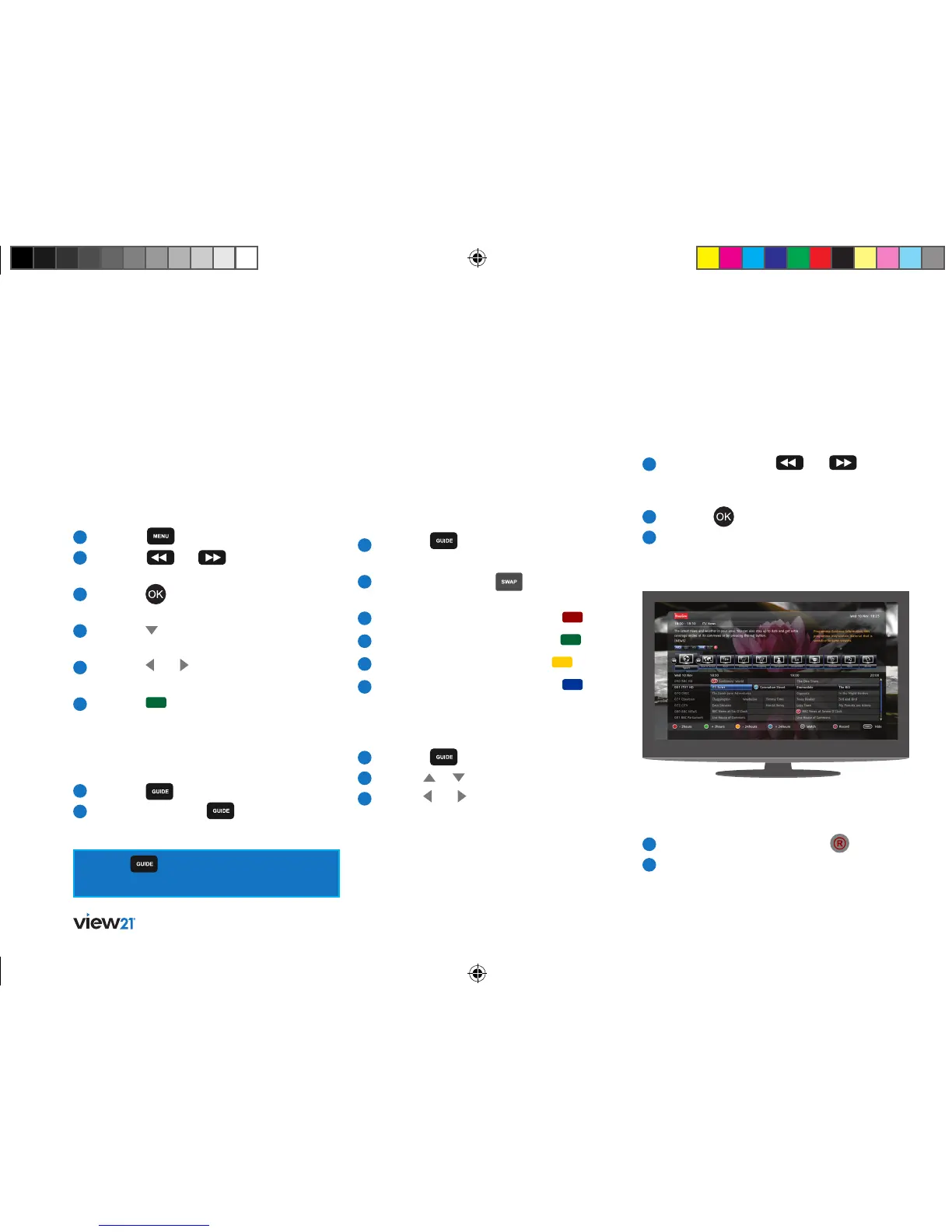
The Time setting and Reminder setting buttons are
displayed in a footer panel below the Guide Table:
This panel can be toggled to Show or Hide.
Setting the time window
You can jump forward or back to specific times
within the Guide:
1
Press the button to display the Guide
in its default format.
2
If necessary press the button to show
the Footer panel.
3
To step backward 2 hours, press the button.
4
To step forward 2 hours, press the button.
5
To step back 24 hours, press the button.
6
To step forward 24 hours, press the button.
Navigate to and watch a programme
To navigate the Guide:
1
Press the button to display the Guide.
2
Use the or buttons to select a channel.
3
Use the and buttons to move along the
channel row to select a programme.
Navigate to a Genre list
To select a Genre:
1
Repeatedly press the
and buttons
until the desired item on the Quick Access Bar
is selected, for example ‘Sport’.
2
Press the button to open the selected item.
3
The Guide Table changes to a two-column
format and displays only programmes for the
selected Genre in the current time window.
Record the programme you are watching
To record a programme:
1
While watching live TV, press the button.
2
If the programme you are watching is not part
of a series, the programme will start to record.
Press the button repeatedly to cycle the
Guide viewing options.
View21_VV107ZRH_HD Digital TV Recorder_UG_V3.indd 26 11/07/2013 15:40:09



 To Next Page