23
01
03
04
05
06
07
08
09
02
1
Touch the ‘Library’ tab.
2
The contents of the library will be displayed
full screen in list mode.
3
Scroll through the list to display the recording
you want to watch.
4
Touch the recording name.
5
Touch the ‘Watch Here’ tab to view the
programme on the iPad. Or select ‘Watch
on TV’ to show the programme on your TV.
6
The recording will start to play full screen.
Make a recording before you view it
1
Touch the ‘Guide’ tab at the bottom
of the screen.
2
The Guide will be displayed full screen.
3
Scroll to find the programme you want
to record.
4
Touch the programme name.
5
A dialogue box opens with information
about the selection.
6
Touch the button in the box.
7
A record symbol is placed alongside
the entry in the Guide.
8
Repeat for any other programmes you
wish to record.
9
Touch the ‘Guide’ tab again to return
to the earlier viewing.
Browse the programme guide
1
Touch the ‘Guide’ tab at the bottom of the screen.
2
The Guide will be displayed full screen.
3
Scroll up or down to view channels and
left or right to view programmes and their
broadcast times.
4
The top of the Guide shows information
about the programme currently selected.
5
To exit, touch the ‘Guide’ tab again to return
to the earlier viewing, or the ‘Library’ or
‘My TV’ tabs as required.
Set a reminder
1
Touch the ‘Guide’ tab at the bottom of the
screen. The Guide will be displayed full screen.
2
Scroll to view the programme you want to set
a reminder for.
3
Touch the programme name. A dialogue box
opens with information about the selection.
4
Touch the ‘Set Reminder’ button in the box.
A clock symbol will be placed alongside the
entry in the Guide.
5
Repeat for any other programmes you wish
to set the reminder for.
6
To exit, touch the ‘Guide’ tab again to return
to the earlier viewing, or the ‘Library’ or
‘My TV’ tabs as required.
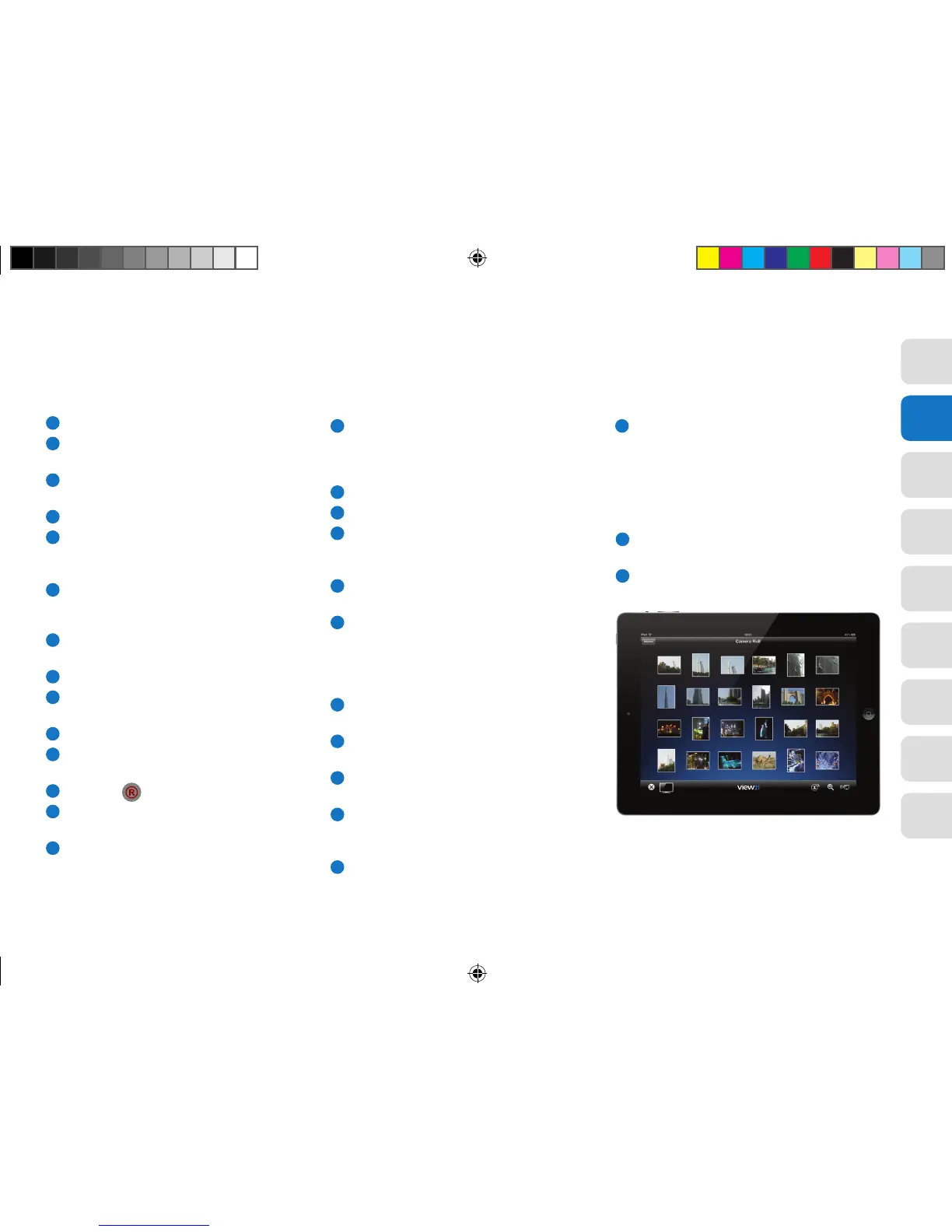
View21 Photo app
The View21 Photo app allows you to show photos
In your iPad or iPhone photo library on your TV.
1
Download and install the View21 Photo app
from the App Store.
2
Open the app and select the photo thumbnail
you want to view on your TV.
The View21 Play and View21 Photo apps are
available in the App Store.
View21_VV107ZRH_HD Digital TV Recorder_UG_V3.indd 23 11/07/2013 15:40:06



 To Next Page