24 Advanced box features
Main Menu
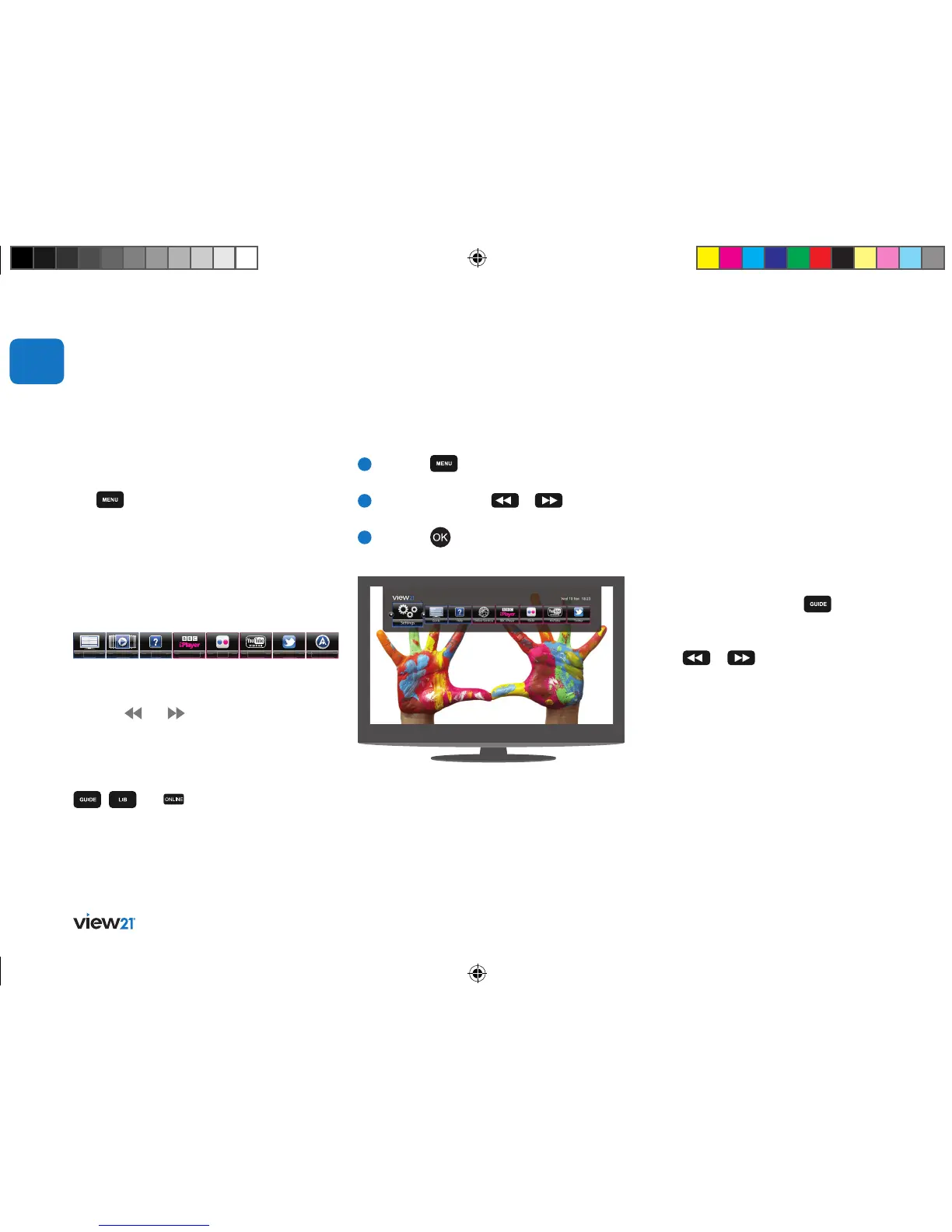
The Main Menu lets you view and launch
the main functions and applications. When
the
button is pressed, these functions
will be displayed as symbols across the top
of the screen in the Main Menu bar.
In the Main Menu bar you can open the Guide,
Library, Help, BBC iPlayer, Flickr, YouTube, Twitter,
Channel List, and Settings as shown in the
screen below.
Not all items in the bar are visible on screen at the
same time. Other items in the bar can be displayed
using the
and buttons. Pressing these
buttons moves the bar to the left or right and
highlights the first item on the left.
Most functions in the Main Menu bar also
have their own buttons on the remote control:
, and (for access to online apps).
Apps Portal
Guide Library
BBC iPlayer Flickr YouTube Twitter
Help
Opening a function
To select an option from the Main Menu bar:
1
Press the button to display the
Main Menu.
2
Repeatedly press the
or buttons
until the required item in the bar is selected.
3
Press the button to open the
highlighted function.
Displays a guide to current and scheduled
TV and Radio programmes. This allows
you to select a programme to watch now,
set a reminder for a later event, record live
programmes or plan a future recording, and
view information about selected programmes.
Guide
To display the Guide, press the
button on
the remote control.
In the Guide you can access the Quick Access Bar,
use the
or buttons to quickly access the
following categories: All Channels, Radio, Library,
BBC iPlayer, Twitter, Flickr, YouTube, Children’s,
Drama, Education, Entertainment, Lifestyle, Movie,
News, Facts, Sport, and Unclassified.
Programme guide
Advanced box features
03
View21_VV107ZRH_HD Digital TV Recorder_UG_V3.indd 24 11/07/2013 15:40:07



 To Next Page