EasyManua.ls Logo

ViewSonic VS18454 - Using Gestures; Select and Deselect an Object (Clicking); Display Menu Options (Right-Clicking); Double-Clicking

ViewSonic VS18454
117 pages
Print Icon
To Next Page IconTo Next Page
To Previous Page IconTo Previous Page
Loading...
19
Using Gestures
Touch gestures allow the user to use pre-determined commands without using a
keyboard or mouse. Using gestures on the ViewBoard, the user can select/deselect

much more.
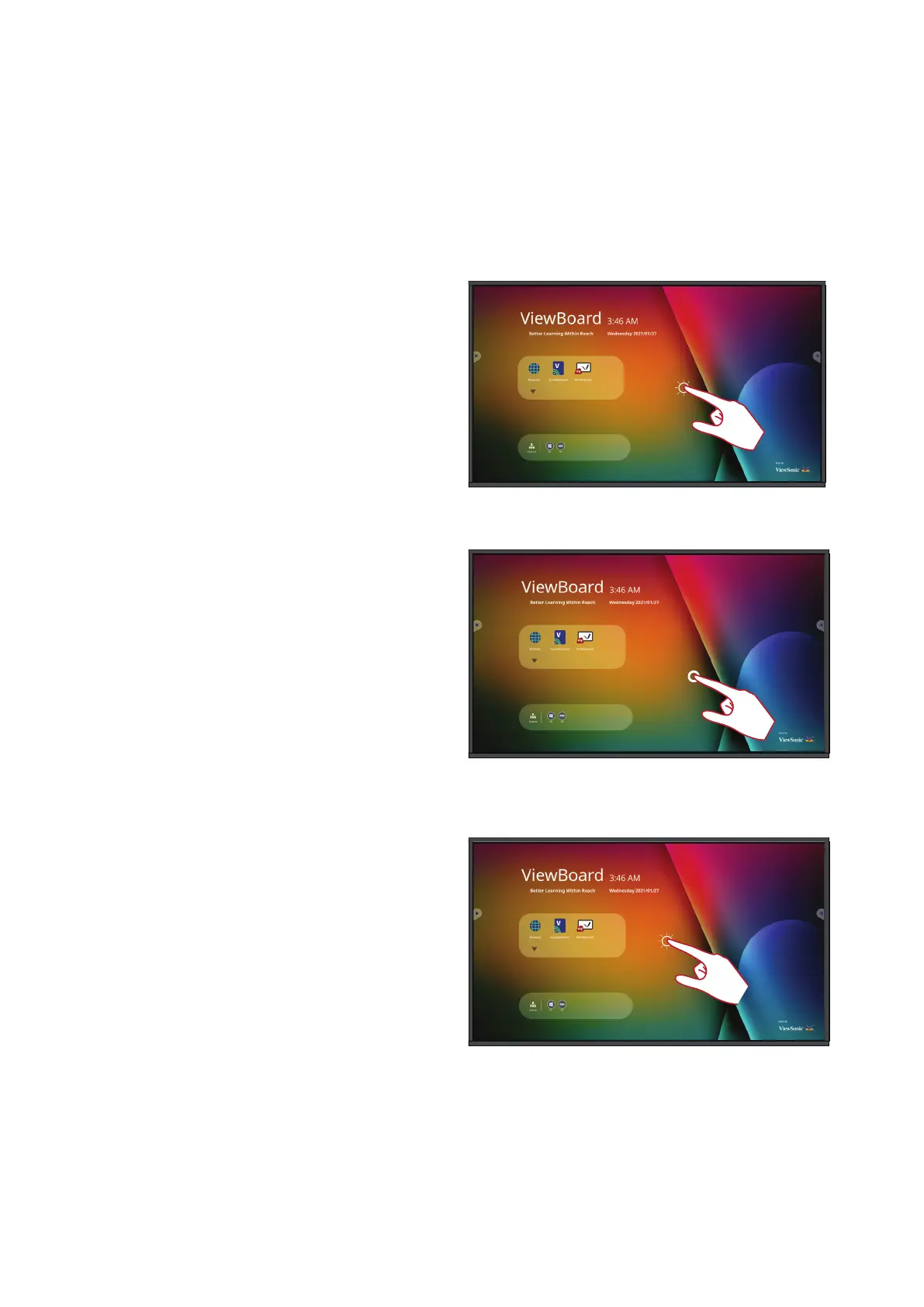
Select and Deselect an Object (Clicking)
Press and release the ViewBoard to


Display Menu Opons (Right-Clicking)
Press and hold the ViewBoard with your

mouse click.
Double-Clicking
Quickly press and release twice in the


2x

Table of Contents

Related product manuals