EasyManua.ls Logo

ViewSonic VS18454 - Using Your Viewboard; Powering On;Off Your Viewboard

ViewSonic VS18454
117 pages
Print Icon
To Next Page IconTo Next Page
To Previous Page IconTo Previous Page
Loading...
2727
Using Your ViewBoard
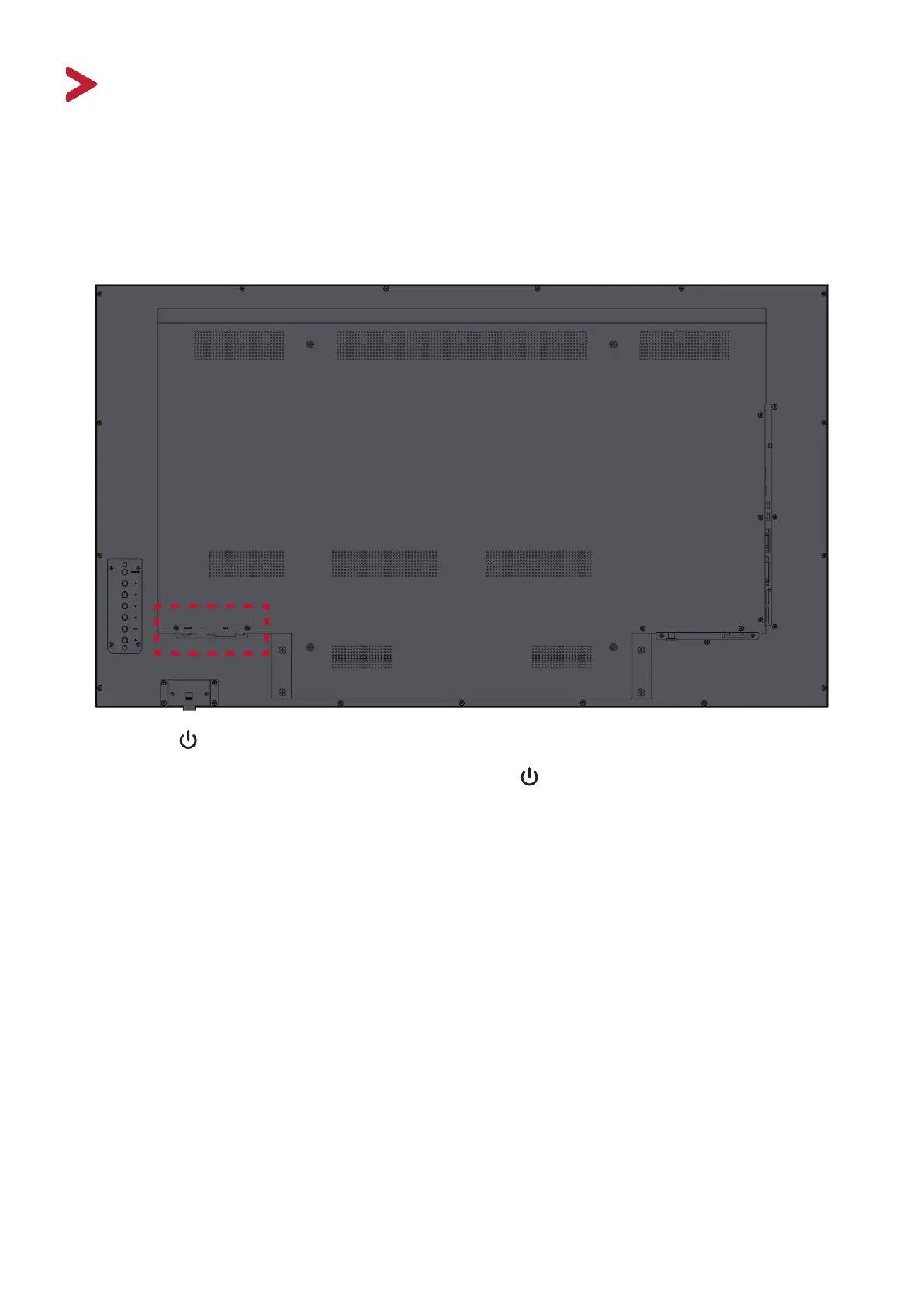
Powering On/O your ViewBoard
1. Ensure the power cord is connected, plugged into a power outlet, and the power

NOTE:  The AC IN socket and Power Switch are located at the rear of the device.
2. Press the 
3.  

Table of Contents

Related product manuals