© 2010 Viking Preferred Service
18
Diagnostics
Entering Programming Mode (continued)
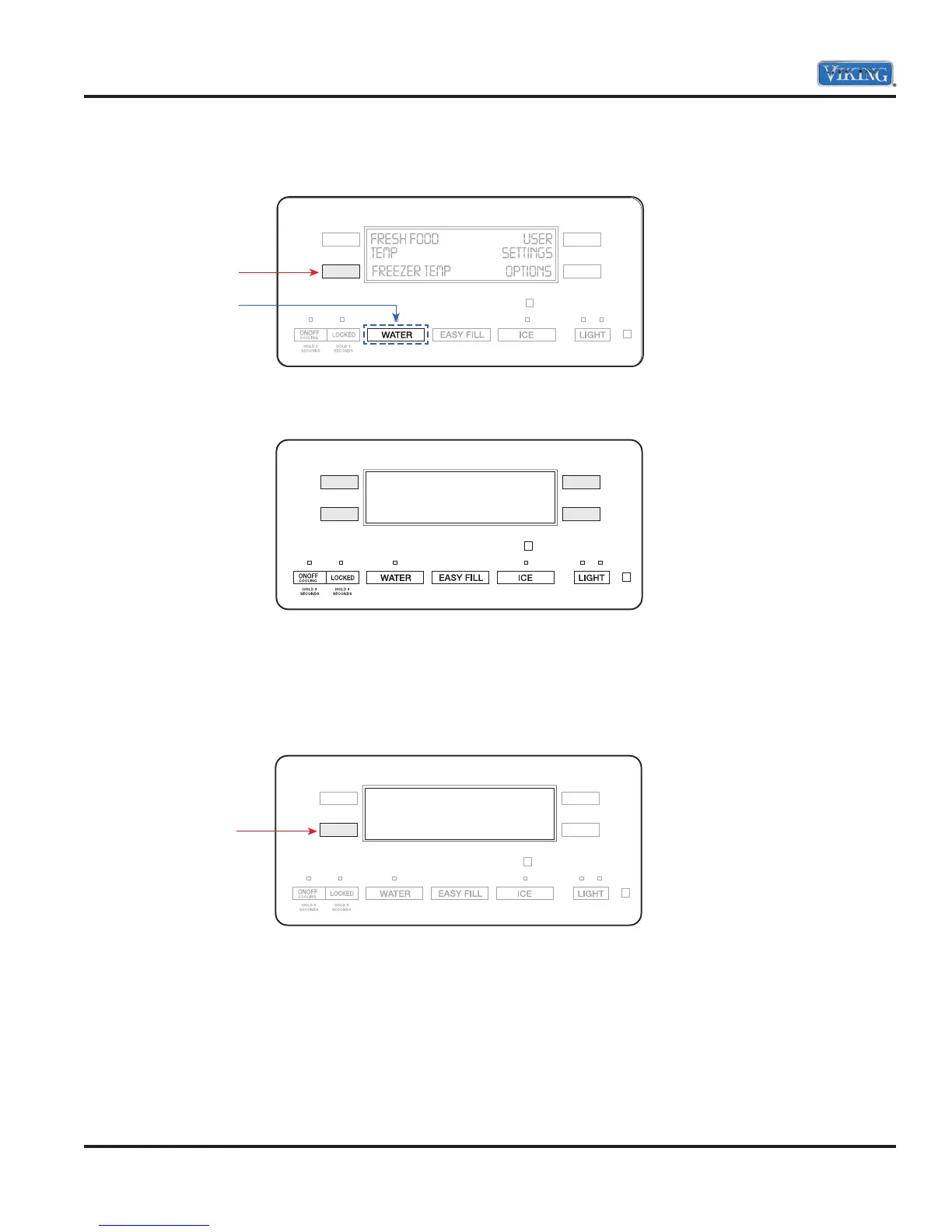
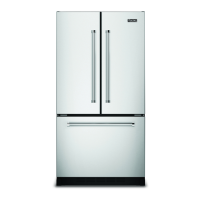
3. While still holding the LL button, release the “WATER” button and wait 3 seconds.
4. When entered successfully, the letter PE will be displayed on the screen.
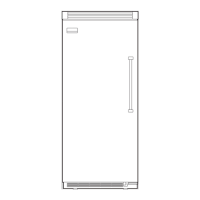
5. Entry is confirmed by pressing the “LL” button. There will be a number next to the PE and then on the right
side of the display will be a three digit number. These four numbers are the current programming code for
this unit. The example below shows code 2213.
Note: There is a DOT under the first number. This will be explained later
Release
Hold
PE
PE2 213
.
Press



 To Next Page