© 2010 Viking Preferred Service
31
Diagnostics
Service Tests (continued)
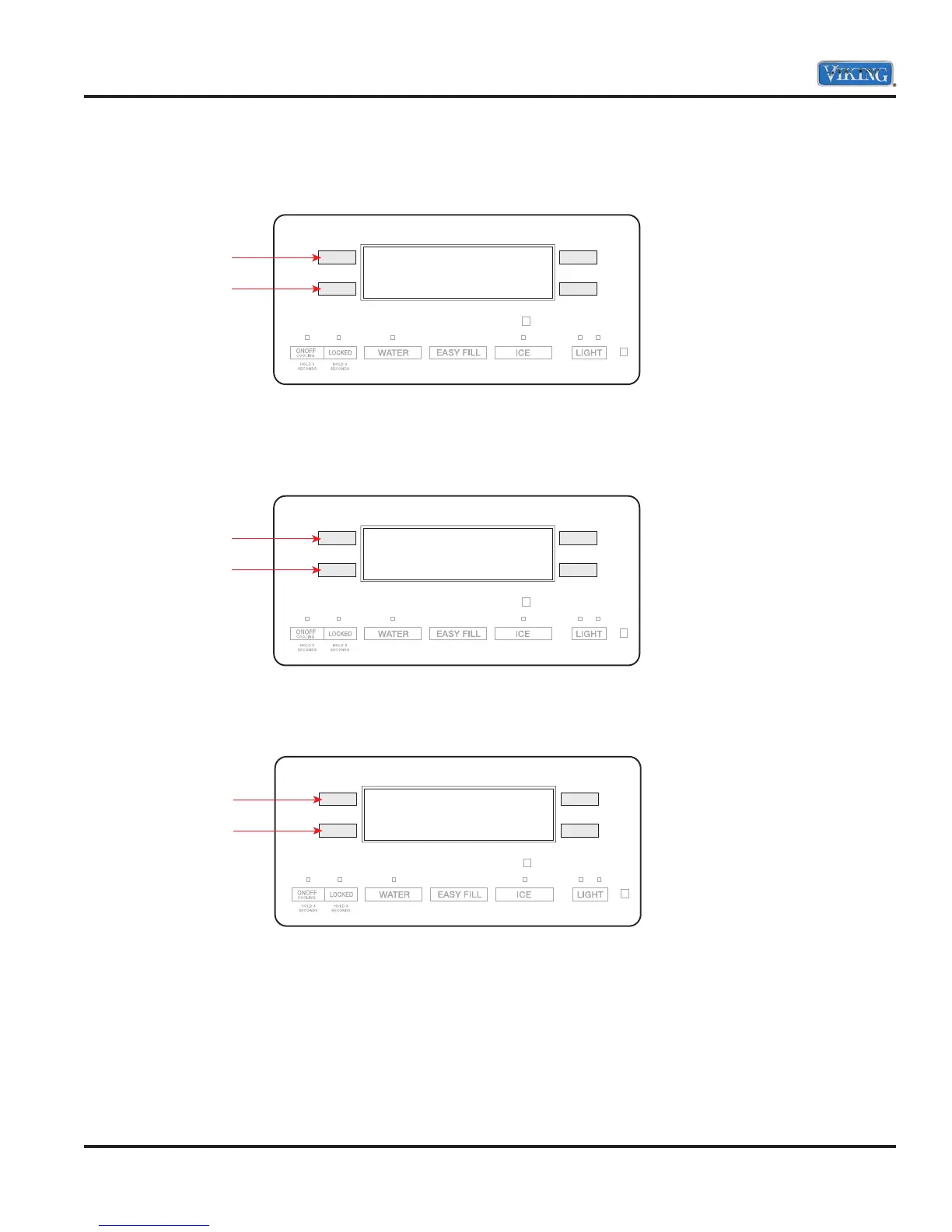
172 Front Fill
Display shows the state of the front fill (On or OFF).
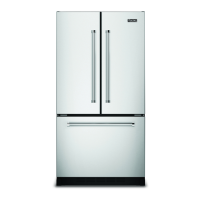
173 Ambient Light
Display shows the state of the light sensor measurement (Hi or Lo). Night light will turn on when light sensor
measures Lo. By changing the sensor’s exposure to ambient light you can control the sensor measurement.
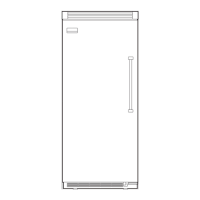
175 Dispenser Switch
Display shows the state of the dispenser switch (ON or OFF).
Note: By pushing actuator pad or easy fill keypad you can change state of dispenser switch.
Press either
button to
toggle through
test cycles
172 OFF
Press either
button to
toggle through
test cycles
173 Lo
Press either
button to
toggle through
test cycles
175 ON



 To Next Page