© 2010 Viking Preferred Service
23
Diagnostics
Entering Service Test Mode
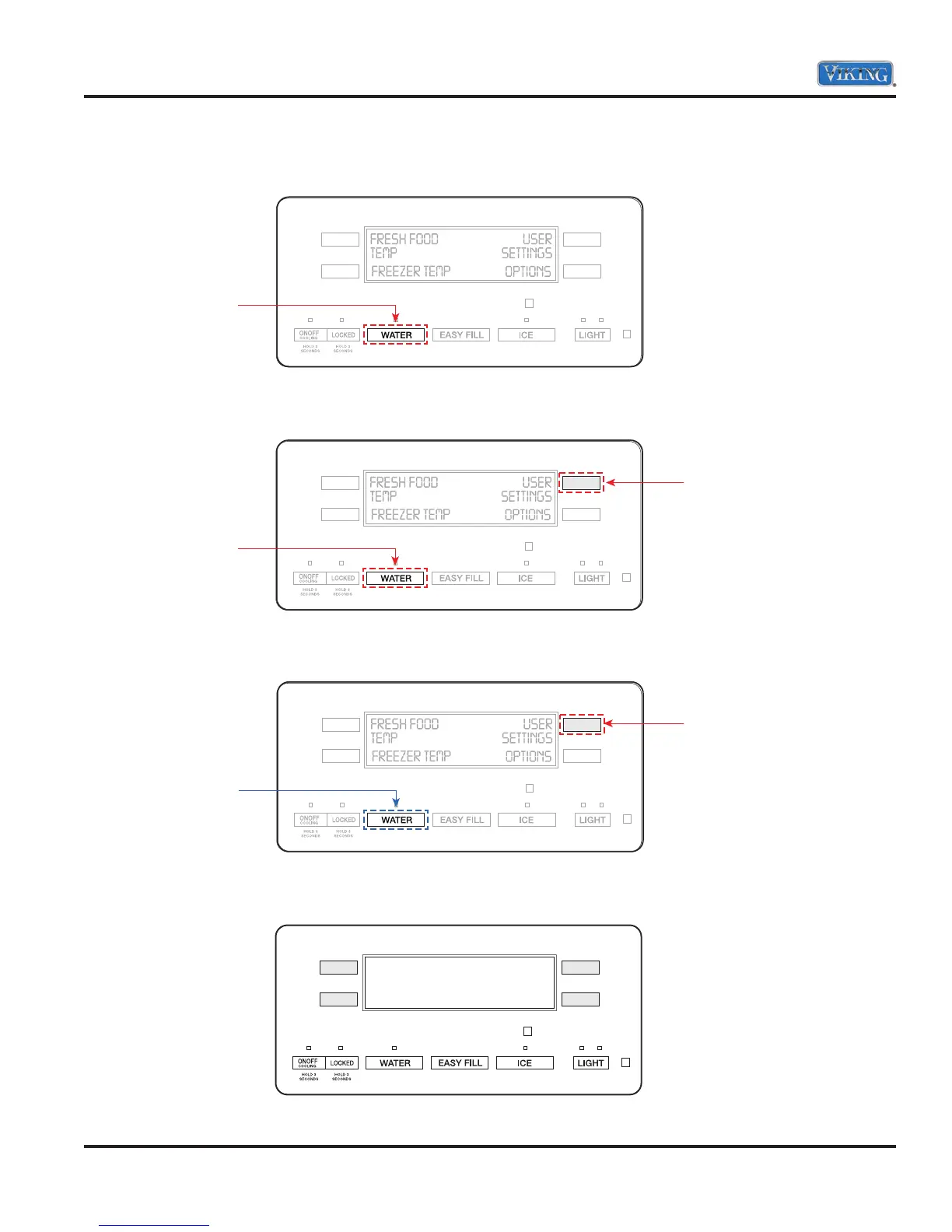
1. Press and hold the “WATER” button.
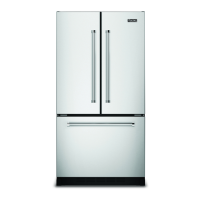
2. Then press and hold the “UR” button. Both buttons are now being held in.
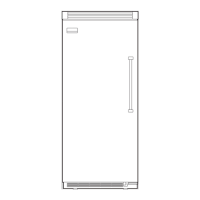
3. While still holding the UR button, release the “WATER” button and wait 3 seconds.
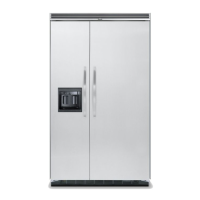
4. The display will show SE confirming entry in the Service Mode.
Press and Hold
Hold
Press and Hold
Release
Hold
SE



 To Next Page