© 2010 Viking Preferred Service
24
Diagnostics
Entering Service Test Mode (continued)
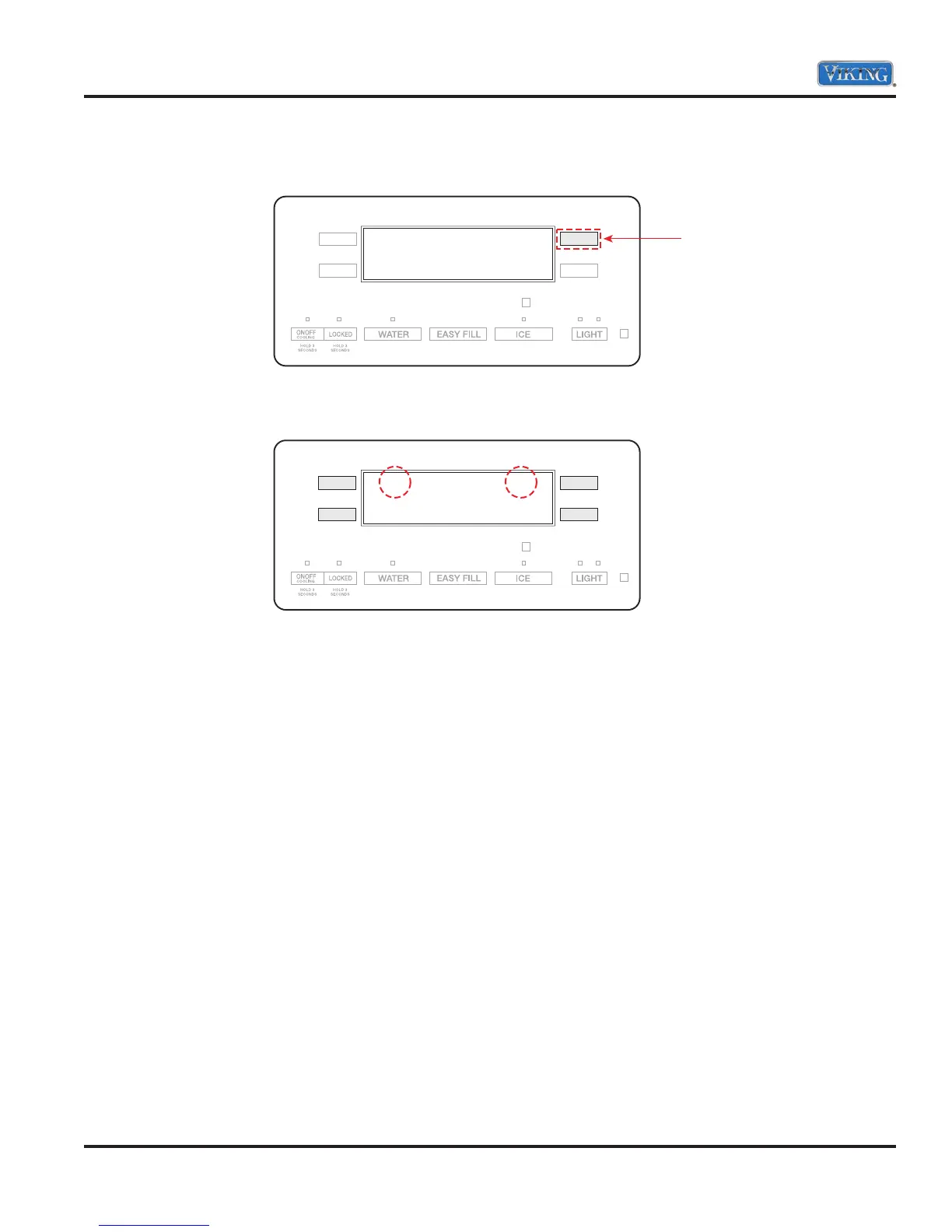
5. Press the “UR” button again to enter in the service mode.
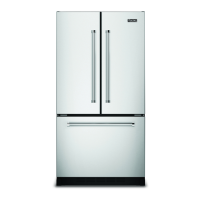
6. Display will show 101 in left display and OFF in the right display.
Note: At any time to exit service test mode, open and close both refrigerator doors or hold door alarm for
three seconds.
Press
SE
101 OFF



 To Next Page