VIMTAG IP VT 361 SECURITY CAMERA
Page
10
• Stand and installation kit
• Wireless antenna
• Warranty card
• Instruction card
Note: Always make sure you are using the correct voltage power supply
for your camera. Failure to use the correct voltage power supply could
result in equipment damage and invalidate your warranty.
Creating an Account
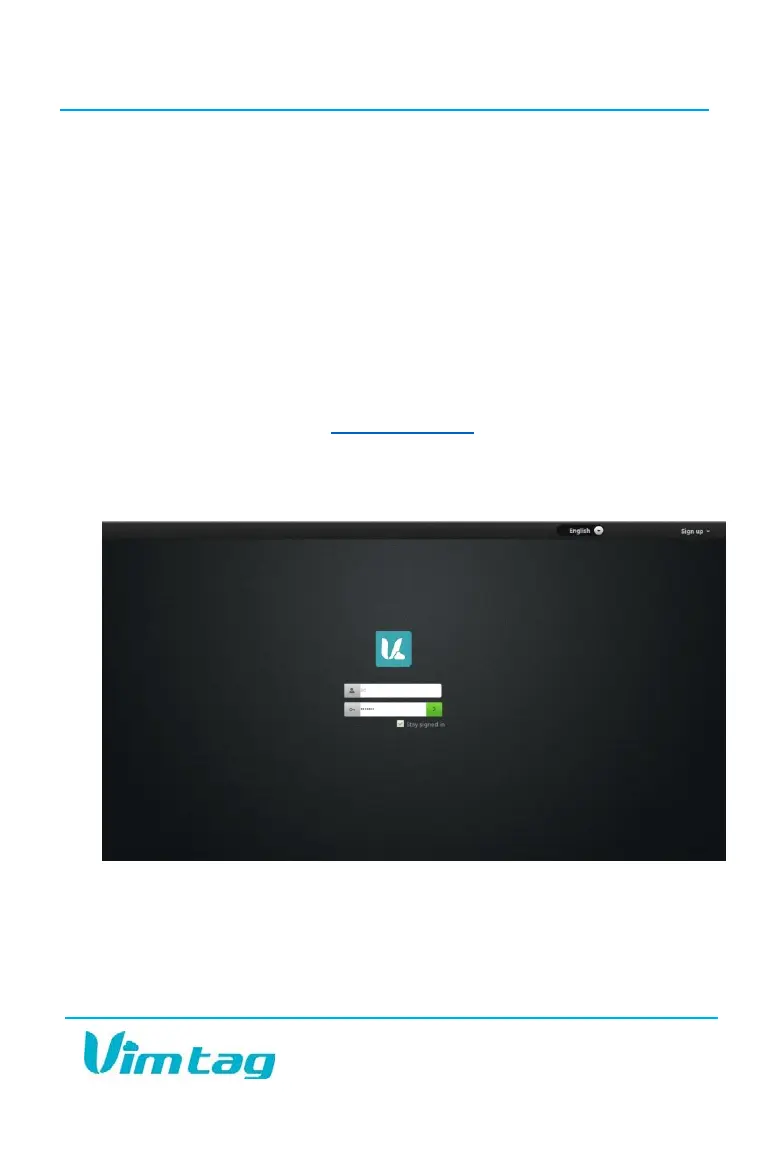
To take advantage of all the components of the Vimtag solution, you will
need to set up an account at www.vimtag.com
. When you visit the site, you
will see a sign up drop-down menu on the top right side of the screen. Click
this menu and then click the green Sign up button. The site will then walk
you through the process of creating your own account.
From there, you will be able to log into the system and add your cameras.
Once you’ve added your cameras and set them up on your network, you
will be able to control then and use all of the features, which we will discuss
in the following chapters.


 To Next Page