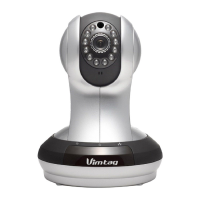
VIMTAG IP VT 361 SECURITY CAMERA
Page
24
5. Configuring the Camera
In the Settings page you can configure the following values for each camera
selected.
Note: The Settings page options vary slightly between the mobile
application and the non-mobile version used on a either a Windows or a
MAC computer.
About
• Name
• Admin Password
• Guest Password
• Network
• OSD (On Screen Display)
• SD Card
• Motion Sensitivity
• Motion Detection
• Schedule alerting (on Android and iOS devices only)
• Schedule Recording
• Date/Time
• System
• Others
• Delete device
To view the settings of a device, click to select that device, and then click
the Settings option.
About
In this section, you will find static information about the camera that you
are using:
• Model - Model of the camera you are using. In this case, it is the Vimtag
IP Camera VT-361.
• Software Version – The software version you are using.


 To Next Page