VIMTAG IP VT 361 SECURITY CAMERA
Page
27
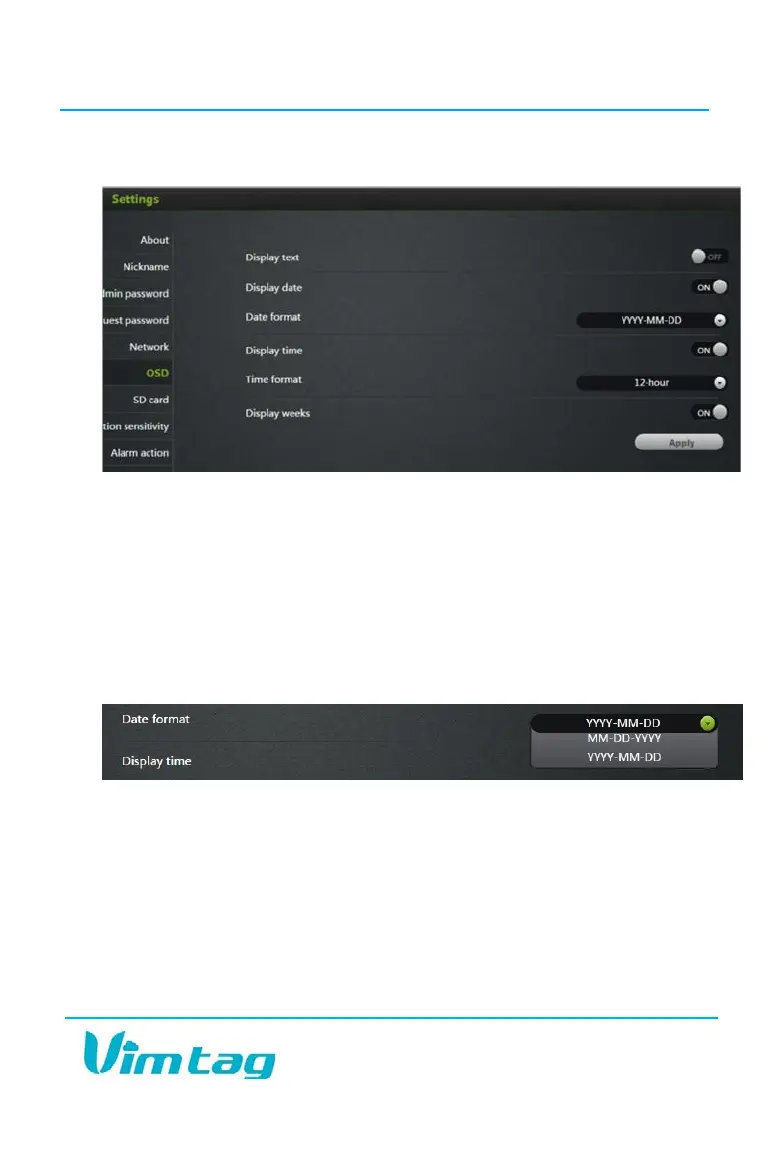
OSD (On Screen Display)
In the OSD tab, you are able to manage what displays on the video screen.
These settings include:
• Display Text - Add text that will show up on the video screen. You
could choose to add the camera’s nickname, so you can easily tell
which camera you are watching.
• Display Date - Choose whether to display the date on the screen and
the type of date format (MM-DD-YYY or YYY-MM-DD).
• Display Time - Choose whether to display the time on the screen and
the time format (12 hour or 24 hour).
• Display Day of the Week - Choose whether to display the day of the
week on the live screen.
After changing the settings, click Apply.


 To Next Page