VIMTAG IP VT 361 SECURITY CAMERA
Page
31
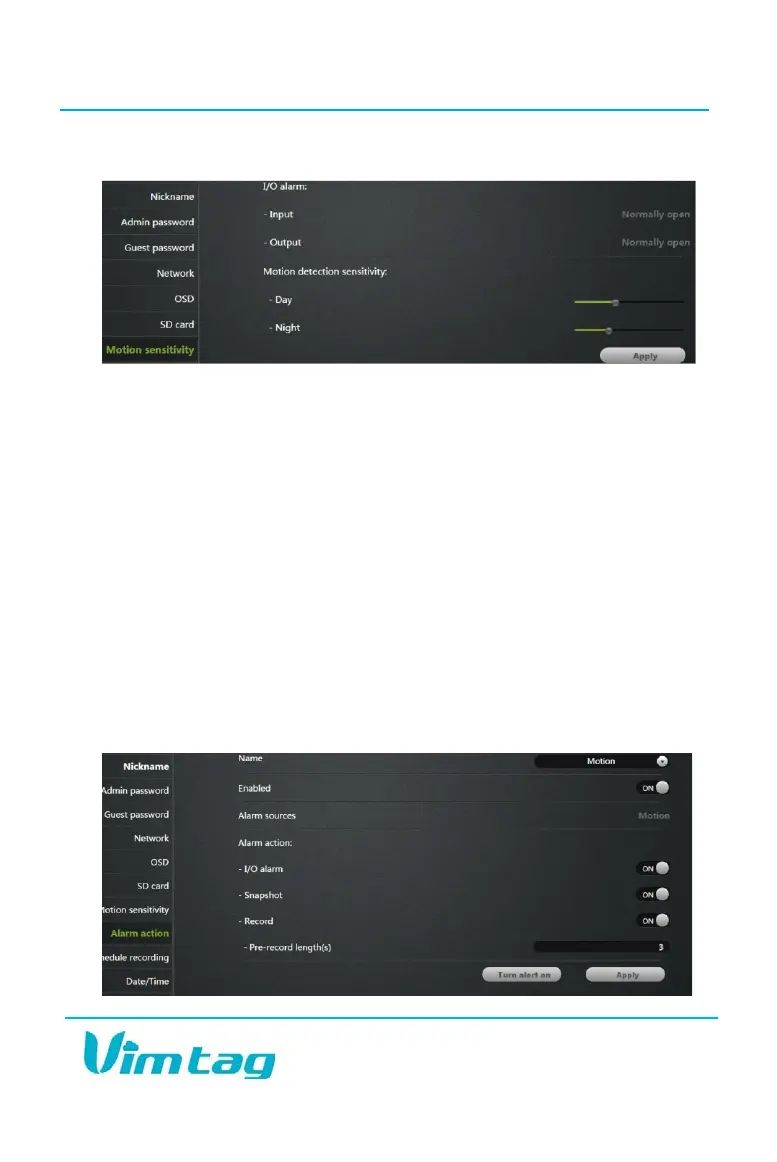
Alarm Action
In the Alarm Action tab, under the name section at the top, you will be
able to choose between Motion and I/O alarms. The Motion alarm is the
default setting. Make sure that you have enabled the camera’s Motion
alarm. It should read “ON” just below the name. Below that, the Alarm
Sources row will let you know that you are using motion alarms.
Below that, you can choose to turn on or off a variety of different alarm
actions. When the camera captures motion, it will provide you with an
alert. You can choose to have the camera send an I/O alarm or you can have
it take a snapshot or start recording. You can set the prerecorded length,
which will allow you to start the recording a few seconds before the camera
starts to record motion. The default is three seconds, but you can set it for
up to six seconds.
After making changes, click Apply to enable the alarm settings, and then
click Turn Alert On. If the button reads Turn Alert Off, the alert is enabled.


 To Next Page