VIMTAG IP VT 361 SECURITY CAMERA
Page
5
Logging In and Configuring the Network
After the Vimtag mobile app is installed, log in and configure your network
access.
To login:
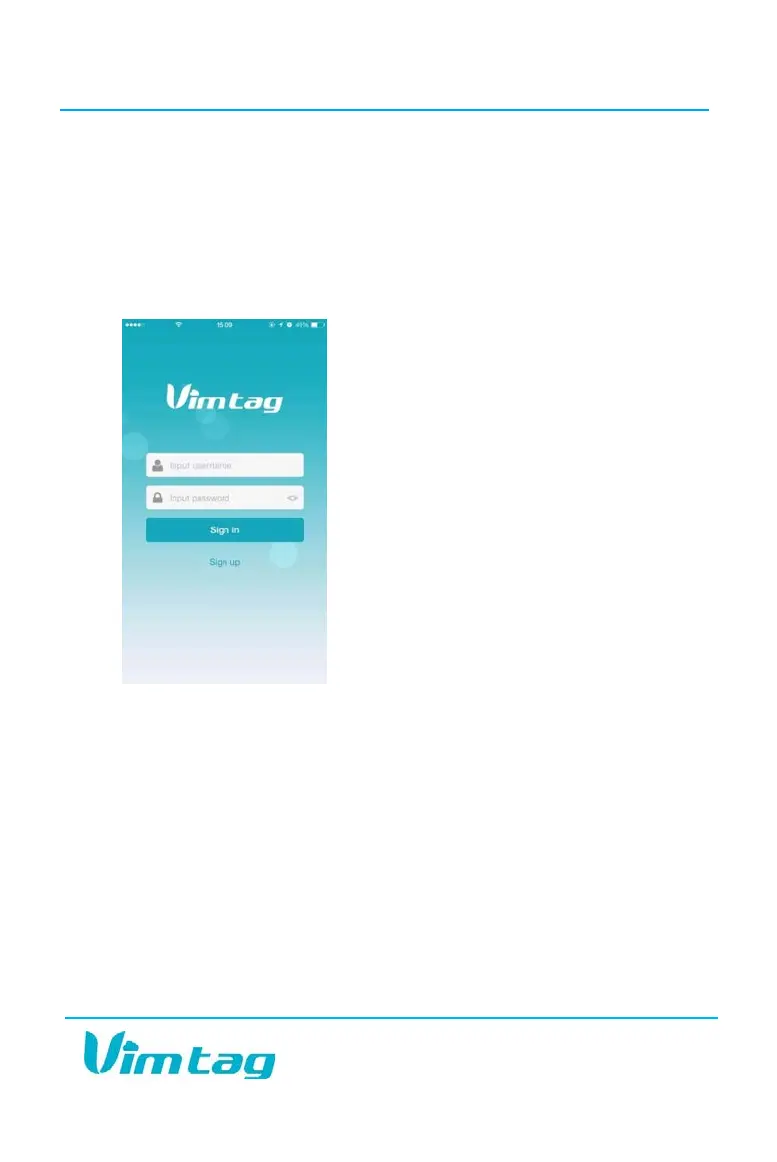
1. Click the app icon. The Vimtag login page opens.
2. Click Sign up and create your new username and password. Confirm
your password.
Configuring Network Access
To configure network access:
After signing into the system,
1. Click the three lined icon in the top right of the screen.
2. To add your first camera, click “+”.
3. In the pop-up screen, enter the camera device ID number and
password.
4. Click the Add button.


 To Next Page