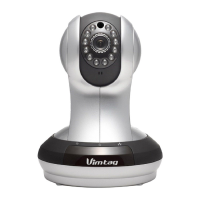
VIMTAG IP VT 361 SECURITY CAMERA
Page
38
6. Troubleshooting
For the Camera
If the camera is not on, you can try several things:
• Make sure that there is a network connection to the camera.
• Try to restart the network router.
• Check the cable connections on the camera to make sure they are
secure.
• Make sure the camera itself is on - the green light will flash every three
seconds.
• Restart the camera, or do a long reset. To perform a long reset, hold
the reset button for five seconds. This will restore the factory defaults.
• You will also notice three icons located on the lower left part of the
home screen:
o Wrench
o Plus Sign
o Refresh Arrow
o Hide


 To Next Page