VIMTAG IP VT 361 SECURITY CAMERA
Page
35
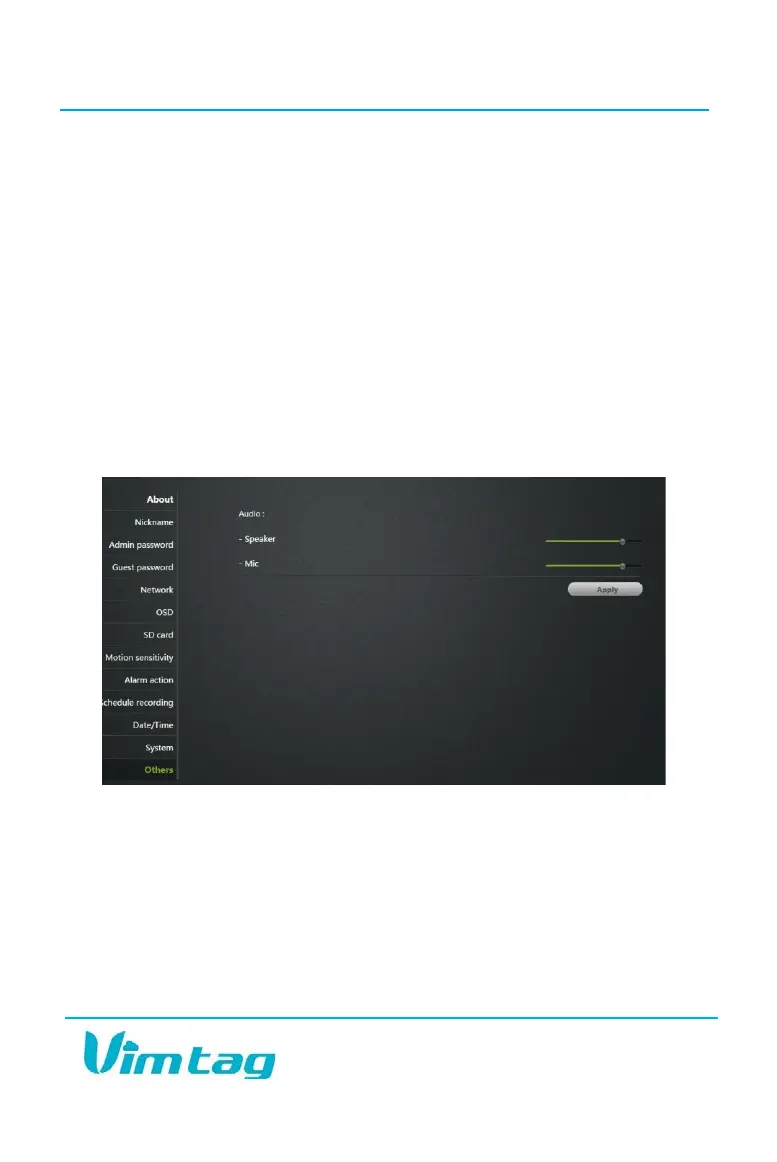
Others
The basic audio settings are located under the Others section. Use the
sliders to adjust the Speaker and the Microphone. You can make the
volume higher or lower with these sliders. Sliding to the right makes the
volume go higher, and sliding to the left makes it lower.
Speaker refers to the speaker on the camera, not on the microphone you
are using to speak. The speaker setting will determine the volume of your
voice when it comes out of the camera’s speaker.
Mic refers to the microphone that is on the camera. When you make this
louder, it increases the sound that you will hear when you are watching a
video and listening to what is happening in the surroundings.


 To Next Page