INSTRUCTION FOR USE ENGLISH
17
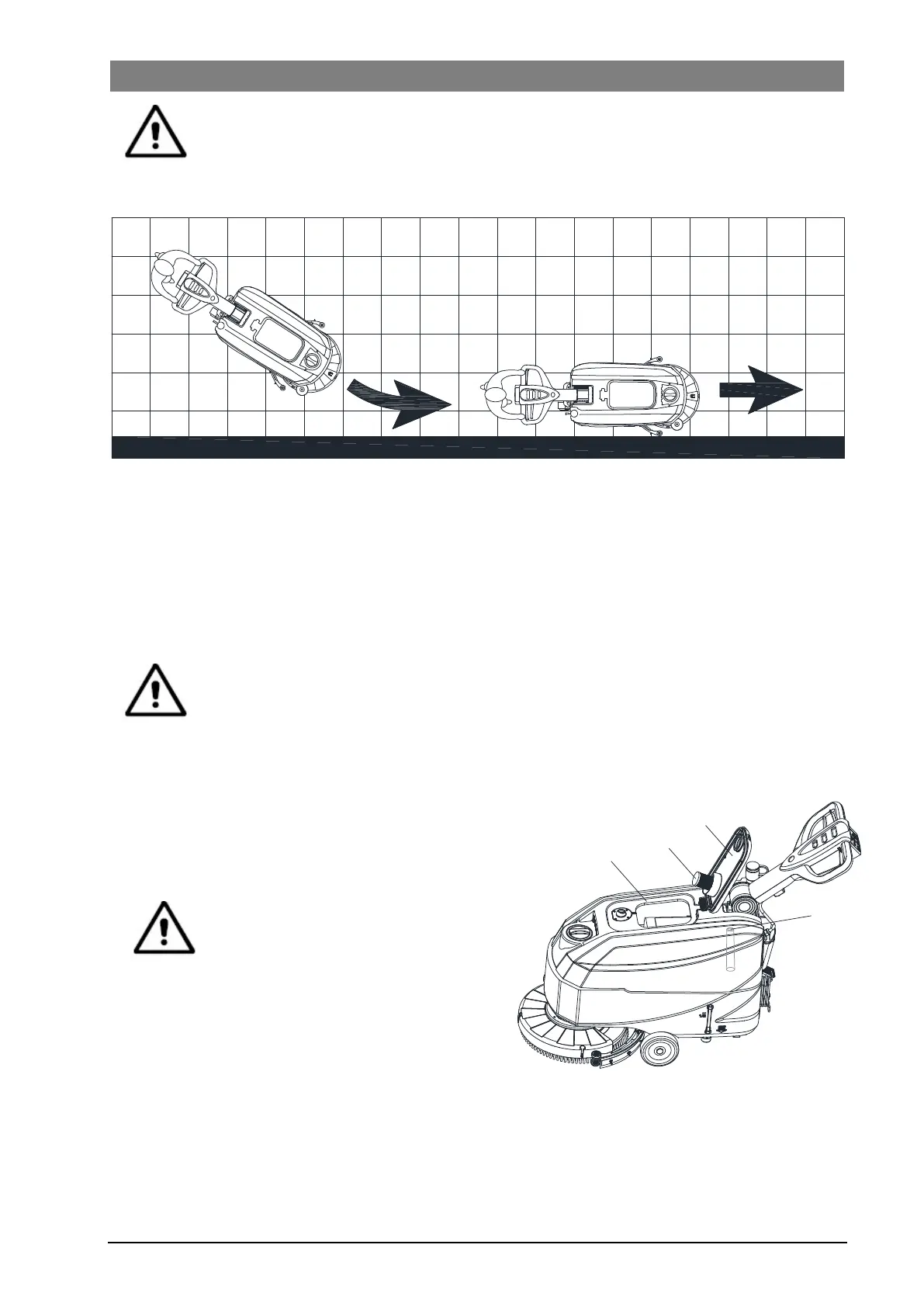
CAUTION!
To avoid any damage to the floor surface, turn off the brushes/pad-holders when the ma-
chine stops in one place.
B
A
Figure 9
Battery discharge during operation
While the green warning light (C, Figure 8) stays on, the batteries allow the machine to work normally. When the
green warning light (C) turns off, and the yellow warning light (B) turns on, it is advisable to charge the batteries,
because the remaining charge will last for a few minutes (depending on battery characteristics and work to be
performed). When the red warning light (A) turns on, batteries are fully discharged. After a few seconds, the
brush/pad-holder is automatically tuned off.
CAUTION!
Do not use the machine with discharged batteries, to avoid damaging the batteries and
reducing the battery life.
TANK EMPTYING
An automatic float shut-off system (B, Figure 10) blocks
the vacuum system when the recovery water tank (C) is
full. The vacuum system deactivation is signaled by a
sudden increase in the vacuum system motor noise
frequency, also the floor has not dried.
CAUTION!
If the vacuum system turns off
accidentally (for example, when the
float is activated because of a sudden
machine movement), to resume the
operation: turn off the vacuum system
by pressing the switch (G, Figure 8),
then open the cover (A, Figure 10) and
check that the float inside the grid (B)
has gone down to the water level. Then
close the cover (A) and turn on the
vacuum system by pressing the switch
(G, Figure 8).
Figure 10
B
C
A
D
When the recovery water tank (C, Figure 10) is full, empty it according to the following procedure.


 To Next Page